I used the simplest data for anomaly detection, but always failed to generate benchmarks. My setup screenshot with the data set is herelook forward to your reply
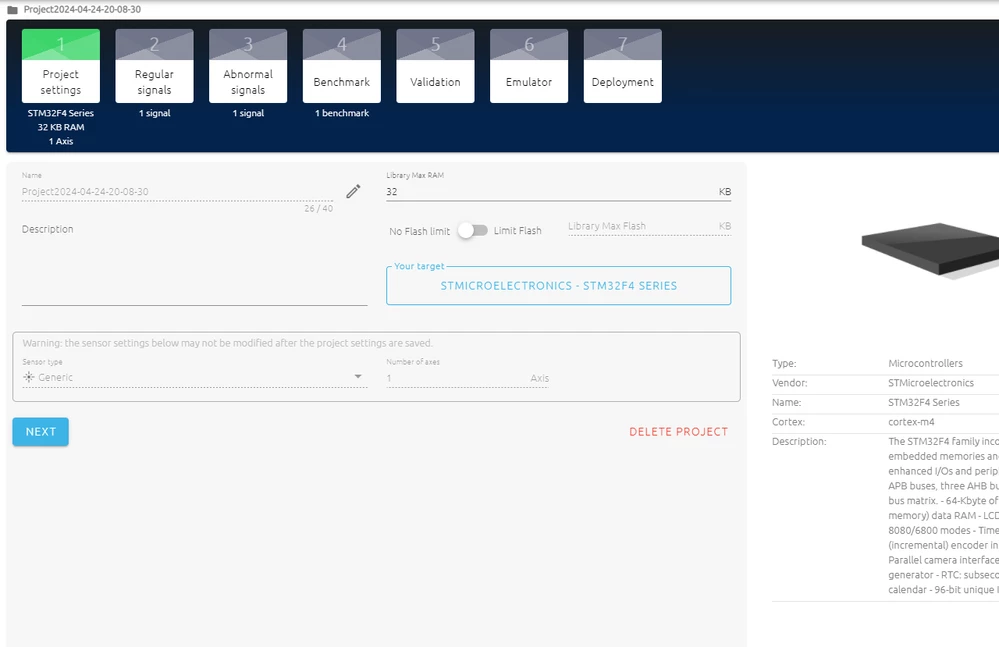
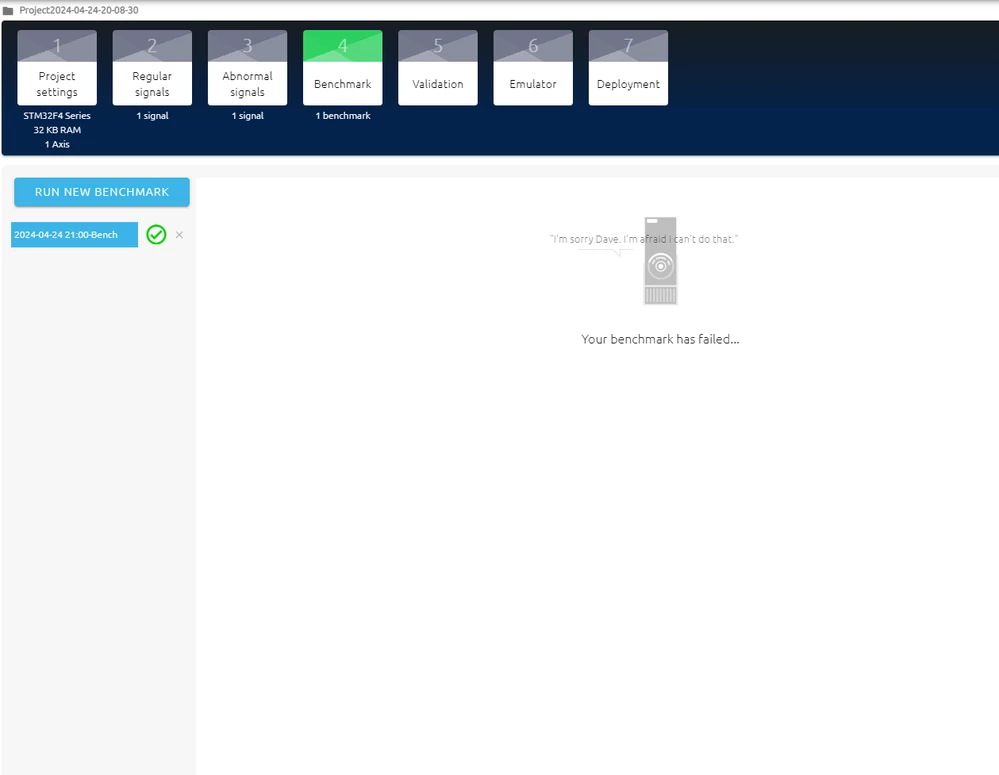
First, have you tried closing and re-opening the studio again?
Else, can you send me the file nanoedge.log. In windows, you can find it by searching %appadata% in the windows search bar, then in workspaceNanoEdgeAI/logs
(something like this: C:\Users\YOUR_USERNAME\AppData\Roaming\workspaceNanoEdgeAi\logs)
On linux, you should be able to find the same folder: workspaceNanoEdgeAI
If you find a way to reproduce it, please let us know so we can fix it.
Best regards,
Julian
In order to give better visibility on the answered topics, please click on 'Accept as Solution' on the reply which solved your issue or answered your question.
The issue seems to come from the fact that you have special characters in your paths (Chinese characters if I am not mistaken).
We are looking for a solution, I will keep you updated.
Best regards,
Julian
In order to give better visibility on the answered topics, please click on 'Accept as Solution' on the reply which solved your issue or answered your question.
We will work on our side to solve the issue you encountered in the next NanoEdge AI Studio version.
I hope NanoEdge will be helpful for your use cases.
Best regards,
Julian
In order to give better visibility on the answered topics, please click on 'Accept as Solution' on the reply which solved your issue or answered your question.
