

UK Engineer
Visitor II
September 22, 2021
Question

VL53L1 Nucleo Pack: Can one change the ROI in the GUI without resetting all the calibration values?

  • September 22, 2021
  • 1 reply
  • 557 views

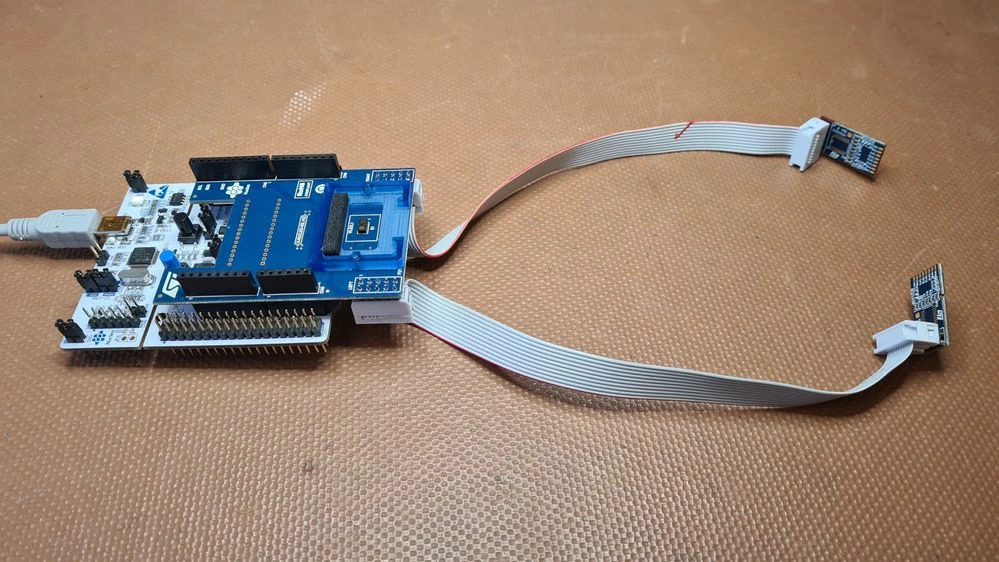
I am using the VL53L1 Nucleo Pac with the Flight Sense GUI supplied by ST. I am trying to evaluate different ROI settings but everytime I change the ROI, all the calibration settings seem to be cleared. Can one change the ROI in the GUI without resetting all the calibration values?
0693W00000FA1PMQA1.jpg

This topic has been closed for replies.

1 reply

John E KVAM
ST Employee
October 11, 2021

When using the UltraLite Driver (STSW_IMG009), I had to change the offset as I changed the ROI. As I have messing with the ROI in my code, nothing is done automatically.

With the full driver (STSW_IMG007), it was meant to do this automatically.

When set, the offset was something like:

INNER_OFFSET=23

OUTER_OFFSET=48

And depending on what the ROI was it would choose a number between the inner and outer offset values.

If you are finding that it's not accurate enough, then the perhaps you can apply a little correction factor based on your testing.

Go with the automatic, so you won't have to stop the chip - but add or subtract a bit based on testing you have done.

  • john