

SBSFU - FW too big
I am adapting the NUCLEO-H753ZI single-slot project to work on a NUCLEO-H745ZI-Q board.
My development environment is linux and I am using minicom for the ymodem upload.
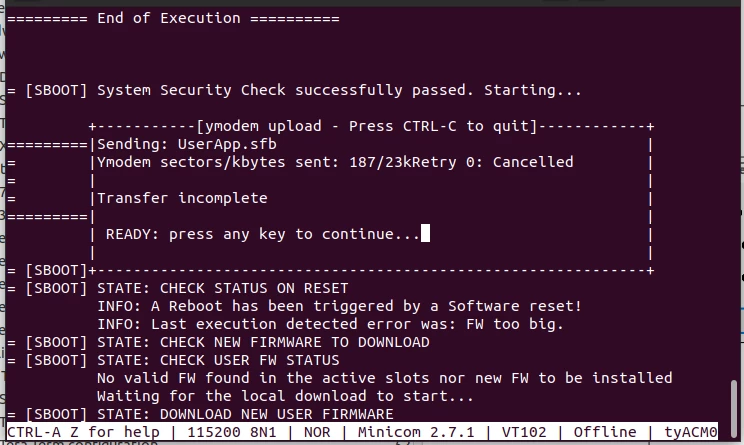
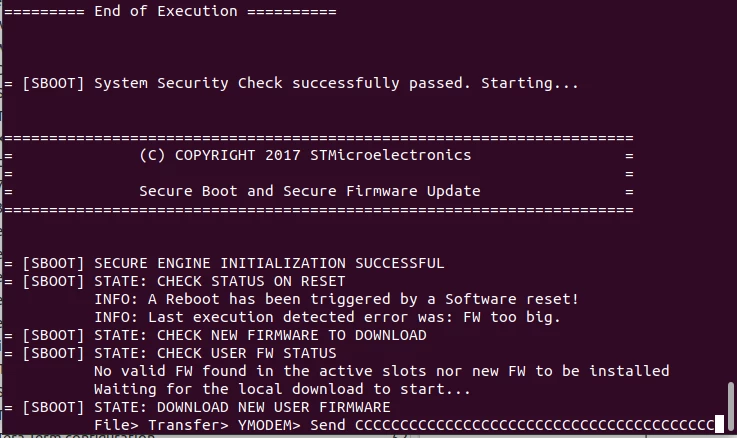
When flashed, the binary seems to function perfectly, but when I corrupt the image and attempt to upload a new sfb file the board keeps failing the download saying that the firmware is too big.
The project I am working on is largely unmodified other than setting the flags for the minicom communication in app_sfu.h and the workaround for the double include for the userapp.
Below are screenshots of the problem:
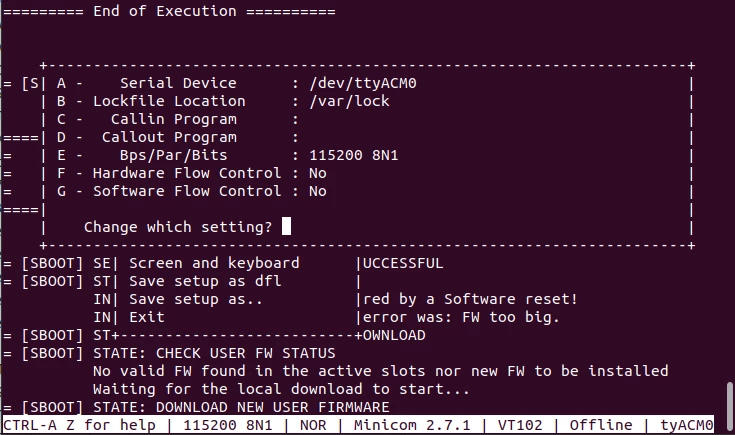
 I have verified that minicom is indeed configured correctly as the guide requires:
 Is there something I am missing? Yes, I have read the integration guide and I have modified the project to support the dual core board.