Zakba.1
Associate III
April 20, 2022
Question

customize the gauge widget image, not in the right pixels.

  • April 20, 2022
  • 3 replies
  • 1061 views

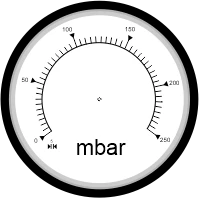
I want to customize the gauge widget with my image.1- I drew an image on Coreldraw then exported PNG( image 199x198px )

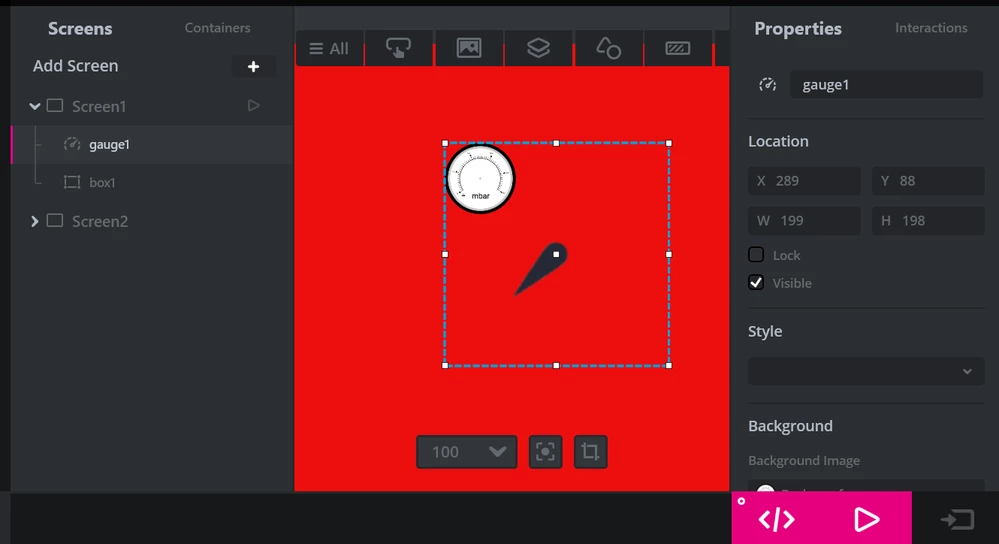
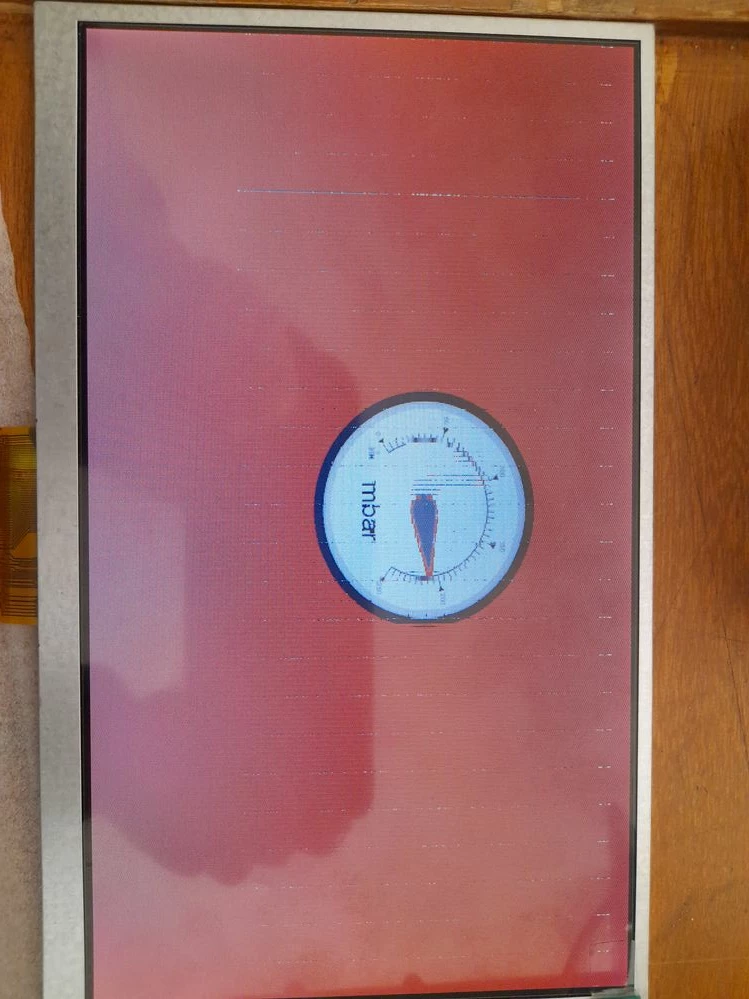
2- I used it in gauge background but it was not shown in real pixels in designer( gauge_gfxdesigner image ) 3- I programmed it on my board, the image was shown in right pixels on LCD ( gauge_lcd image) while using standard gauge styles in designer there is no such a problem.

what do I do wrong? How can I convert my image to be shown in right pixels?

thank you and best regards.
0693W00000LyQSeQAN.jpg0693W00000LyQRvQAN.png0693W00000LyQRbQAN.png

This topic has been closed for replies.

3 replies

Yoann KLEIN
ST Employee
April 20, 2022

Hello @Zakba.1​ ,

What is the size of your image ?

Because the dimensions of the default gauge background image in TouchGFXDesigner are 251px * 251px.

So, if you want your new background image to fill the widget space, it also has to be 251px width and 251px height.

Otherwise, if you wanna keep a smaller background image, you will have to change the Needle image.

/Yoann

Zakba.1
Zakba.1Author
Associate III
April 20, 2022

the image I sent above is 199*198 px.

Zakba.1
Zakba.1Author
Associate III
April 20, 2022

I drew 251*251 image in CorelDRAW and exported it I had the same problem. would you plz teach me how to make an image for gauge?

March 8, 2024

 It seems like you're encountering an issue with image resolution when using CorelDraw for your gauge widget. To ensure your image displays correctly, try exporting it in the appropriate resolution for your widget's dimensions. You might also consider adjusting the image size or format.