
Solved
In STM32CubeIDE, why isn't my file syntax highlighted when opened from Project Explorer?
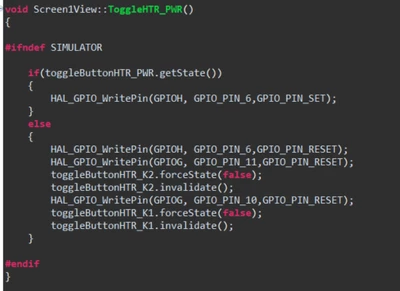
So if I open a .cpp file by double clicking in Project Explorer, the syntax is not highlighted:
But if I have an error, clicking on the file error opens up the file like this (from Problems Tab):
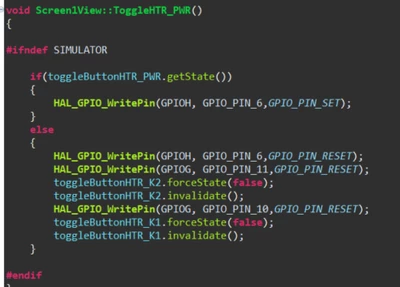
Both files also open up in the tabs next to each other (as if it doesn't know the file is already open).
Anyone know if there is a fix or how do I open a .cpp file and have it highlighted?
Thanks