The activate() function is used to start using the screen's presenter and screen's view because TouchGFX shows only one screen at a time. When the presenter is set to be active, then the activate() function is called. By "Initialization logic" we mean the steps that are required for showing the screen.
For instance, imagine that you have a screen that shows a Wi-Fi icon (it is shown in an image widget) when the Wi-Fi is accessible, and hides it if it is not available. When this screen is going to be shown, in other words, it is switched in, TouchGFX knows that this screen is made out of a number of widgets plus our Wi-Fi icon image. These widgets are part of the view. Now that we know the elements, we activate the presenter, and from the presenter we can ask the state of the Wi-Fi from the model. Therefore, we can call a method of the view to either show the Wi-Fi icon or not from the presenter based on the status received from the model. Hence, the presenter needs to know what functions or widgets are available in the view, and that's why the setupScreen() is called first.
I hope this clears out the obfuscation.
You can check out more documentation about the concept of screen here, and there is an example called Understanding Application Structure available in TouchGFX that can showcase the connection between Model-View-Presenter:
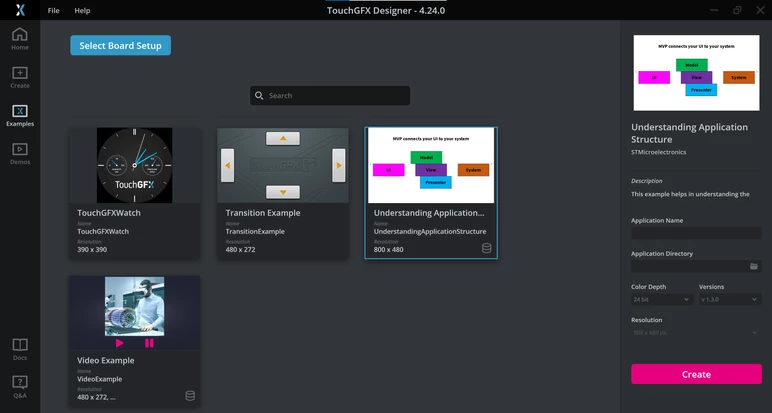 Understanding Application Structure example
