DMukh.2
Associate
April 4, 2023
Solved

Debugging the microcontroller
  • April 4, 2023
  • 1 reply
  • 2098 views

0693W00000bhUkrQAE.jpgI'm just starting to learn microcontrollers, so I have a question.

I have STM32F103C8T6 and STLINK V2 programmer.

Connected lines SWDIO, SWCLK, SWO(PB3) and RESET

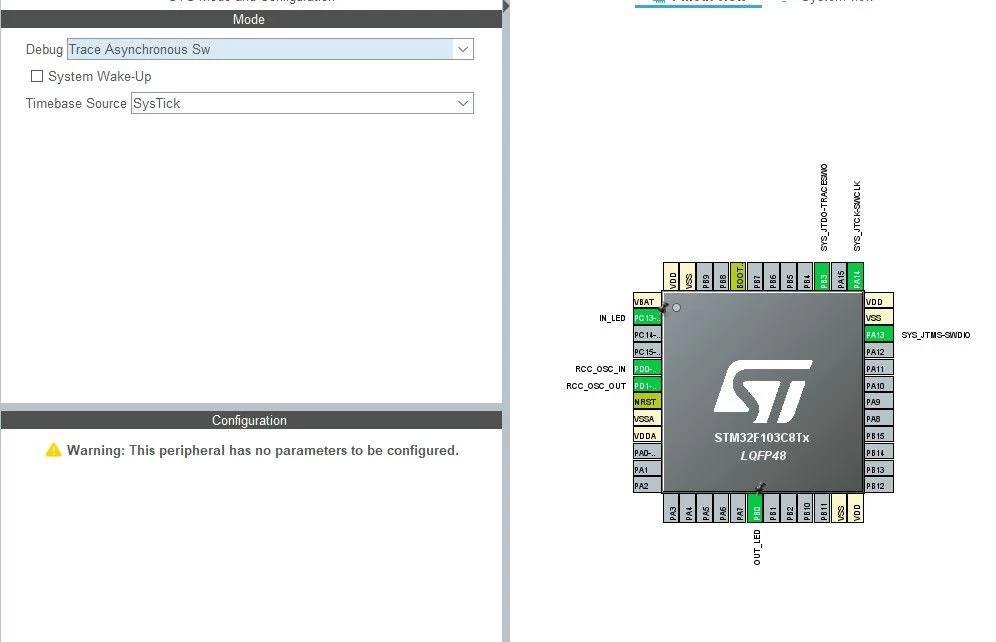
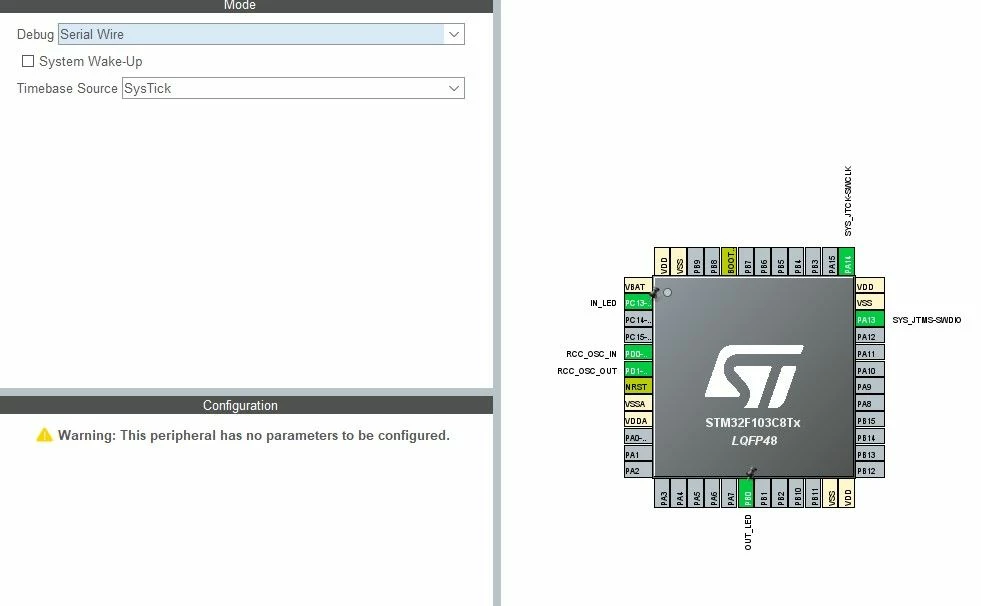
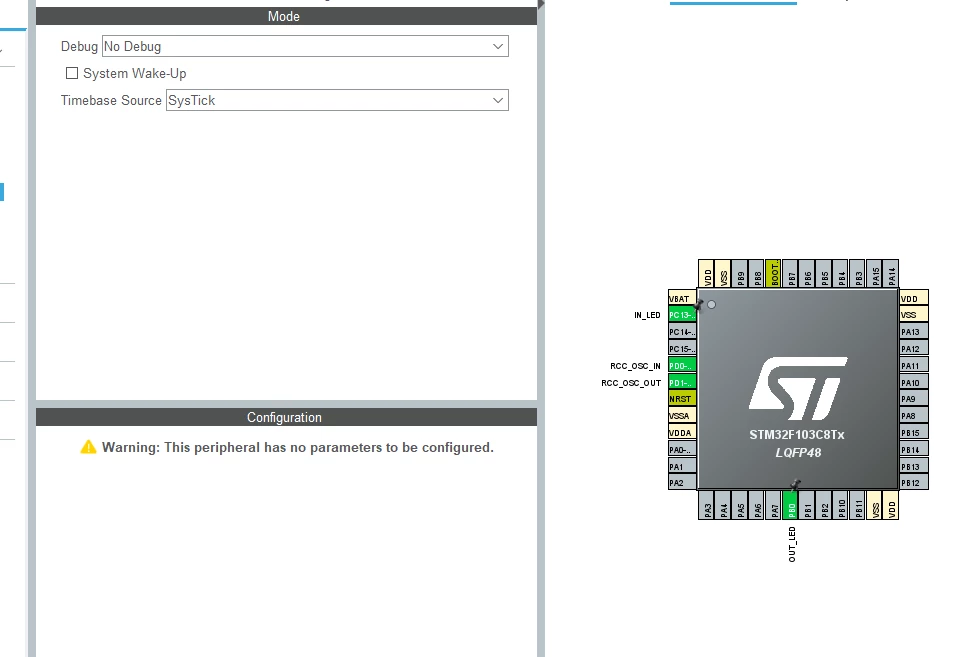
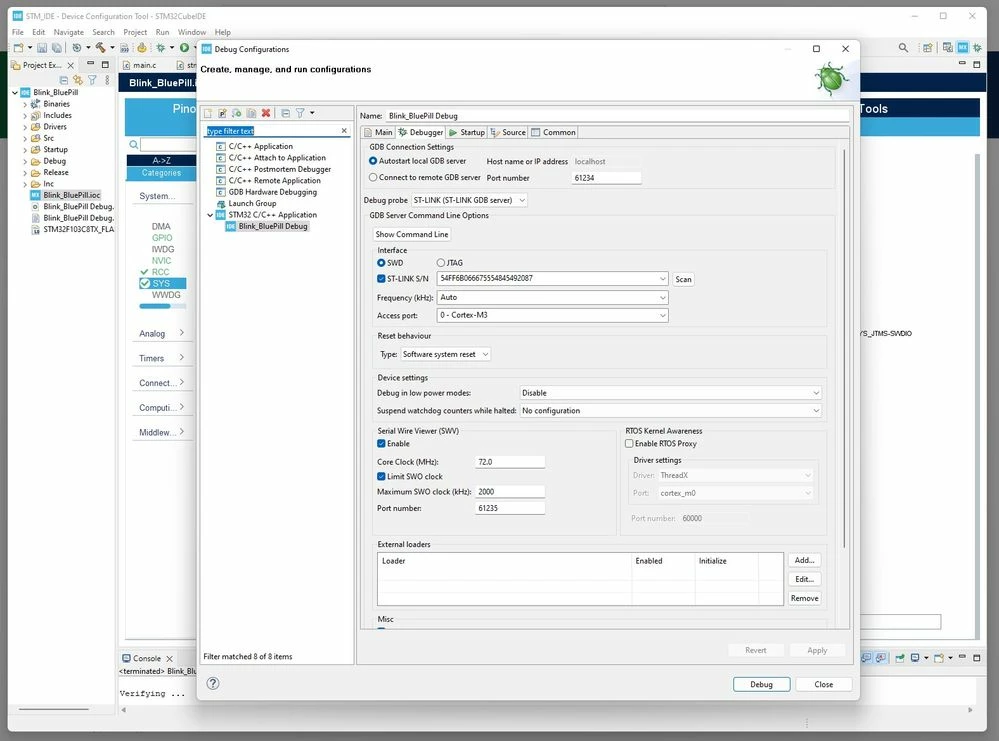
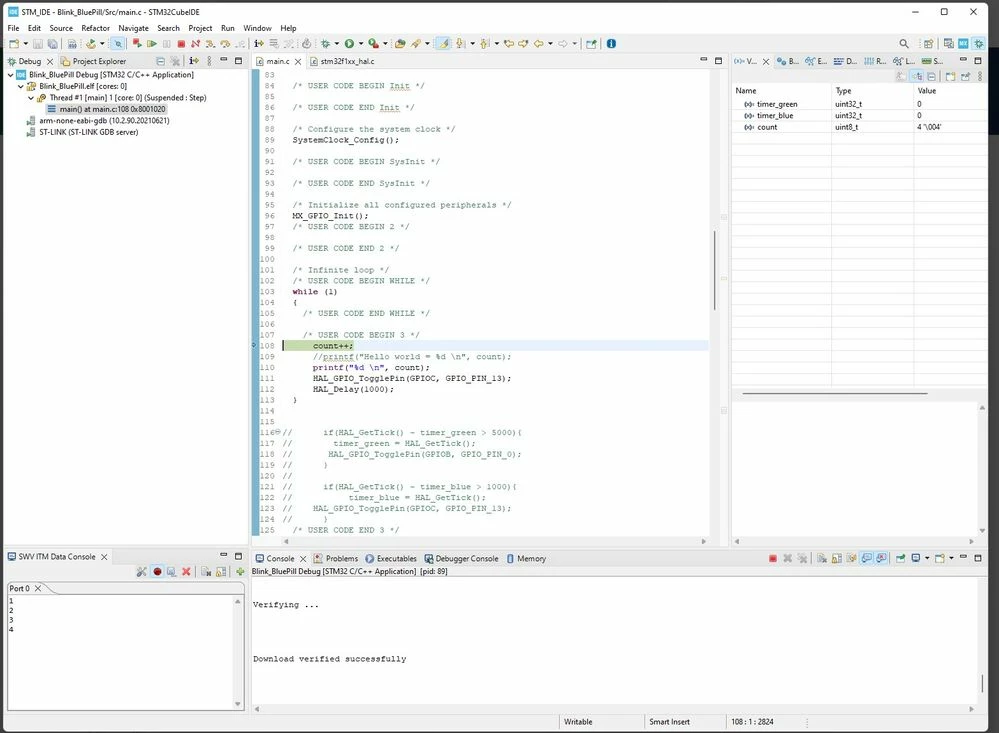
In CUBE MX I choose "No Debug" or "Serial Wire" or "Trace Asynchrone SW" and in CUBE IDE with any choice (after flashing), there is debugging by registers and SWO

Why is it so done that debugging goes on, even if it is turned off in CUBE MX

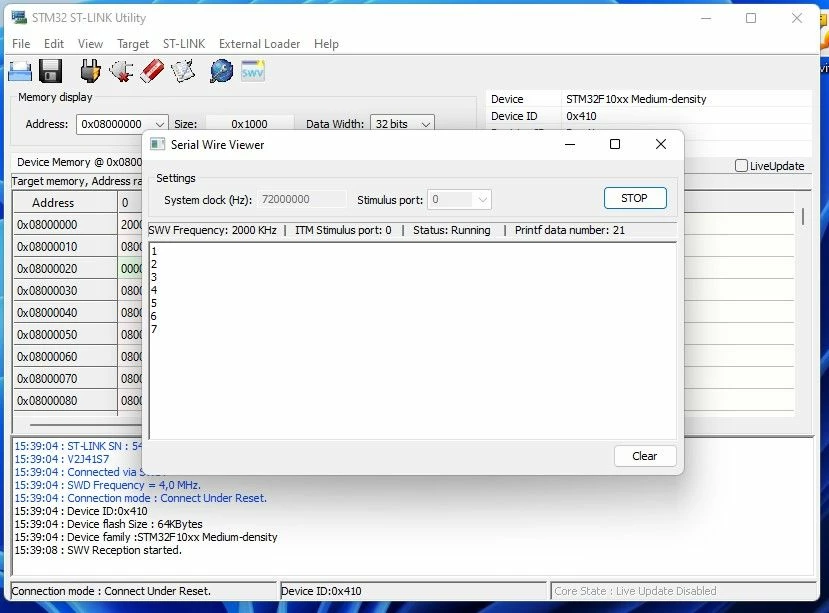
In STM32 Utility also works, with debugging disabled

Pic
0693W00000bhUjAQAU.jpg0693W00000bhUj0QAE.jpg0693W00000bhUhdQAE.jpg0693W00000bhUhYQAU.jpg0693W00000bhUhJQAU.png

This topic has been closed for replies.
Best answer by Peter BENSCH

Welcome, @DMukh.2​, to the community!

This is because the SWD interface is queried very briefly after a reset of the STM32. However, it is easy to forget this and then be surprised that the STM32 does not react when it has been set to STOP mode, for example. For this reason and for other reasons (pin assignment, etc.), it makes sense to always assign the SWD pins. If you use power safe modes, you can also use the setting Under Reset for the debugger, setting Reset behaviour.

For details on debug support, see RM0008, section 31.

Hope that helps?

Regards

/Peter

1 reply

Peter BENSCH
Peter BENSCHBest answer
Technical Moderator
April 4, 2023

Welcome, @DMukh.2​, to the community!

This is because the SWD interface is queried very briefly after a reset of the STM32. However, it is easy to forget this and then be surprised that the STM32 does not react when it has been set to STOP mode, for example. For this reason and for other reasons (pin assignment, etc.), it makes sense to always assign the SWD pins. If you use power safe modes, you can also use the setting Under Reset for the debugger, setting Reset behaviour.

For details on debug support, see RM0008, section 31.

Hope that helps?

Regards

/Peter