

TLin.6
Associate II
July 8, 2022
Question

The STM32CubeIDE does not generate the STM32H7XX_HAL_Driver file properly.

  • July 8, 2022
  • 4 replies
  • 3197 views

Hello Community,

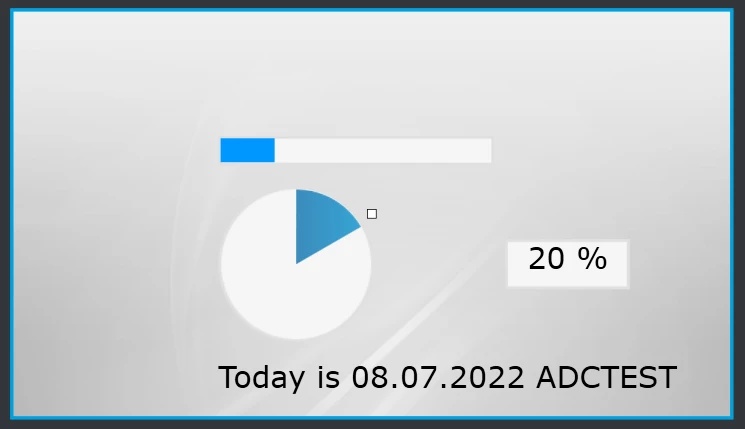
I am using STM32h745 dual-core to display the value of the data received based on FDCAN. First, I created a project on TouchGFX and then imported the project on stm32CubeIDE. 0693W00000QKkxhQAD.png 
 I set the FDCAN1 and ADC1 both on CubeMX.0693W00000QKkyaQAD.png 
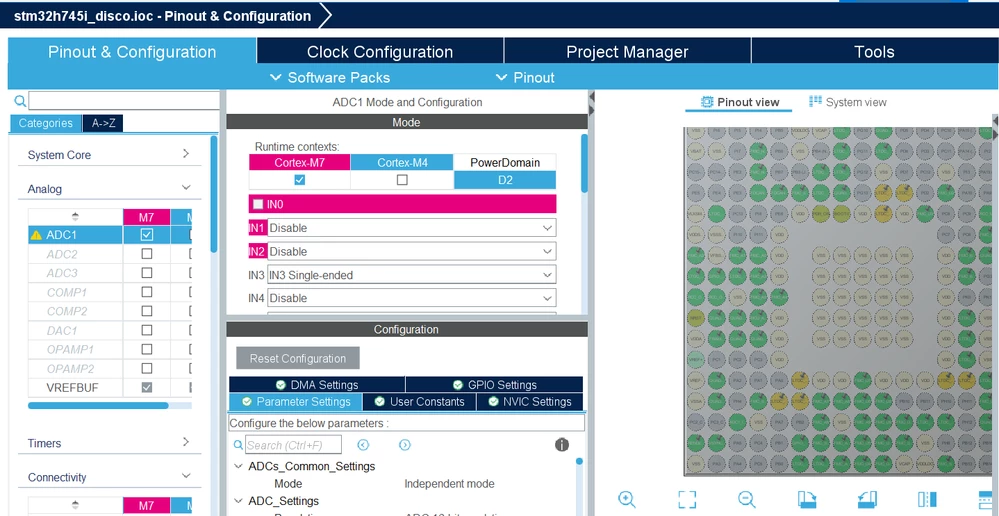
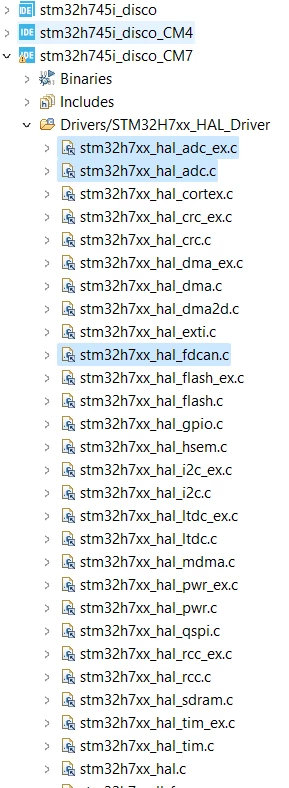
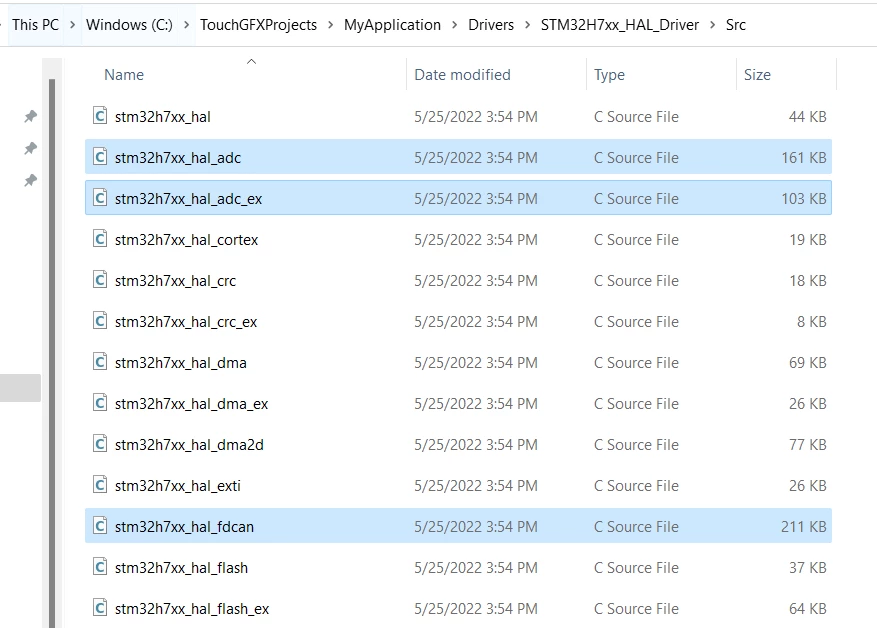
But the workspace does not include 'stm32h7xx_hal_fdcan.c' and 'stm32h7xx_hal_adc.c' file. So, I add these the source.c files to the workspace under 'STM32H7XX_HAL_Driver' folder. 0693W00000QKkz4QAD.pngand Actually, In the Project Folder, it has been generated automatically, but does not show up in the CubeIDE workspace. 0693W00000QKkzdQAD.png 
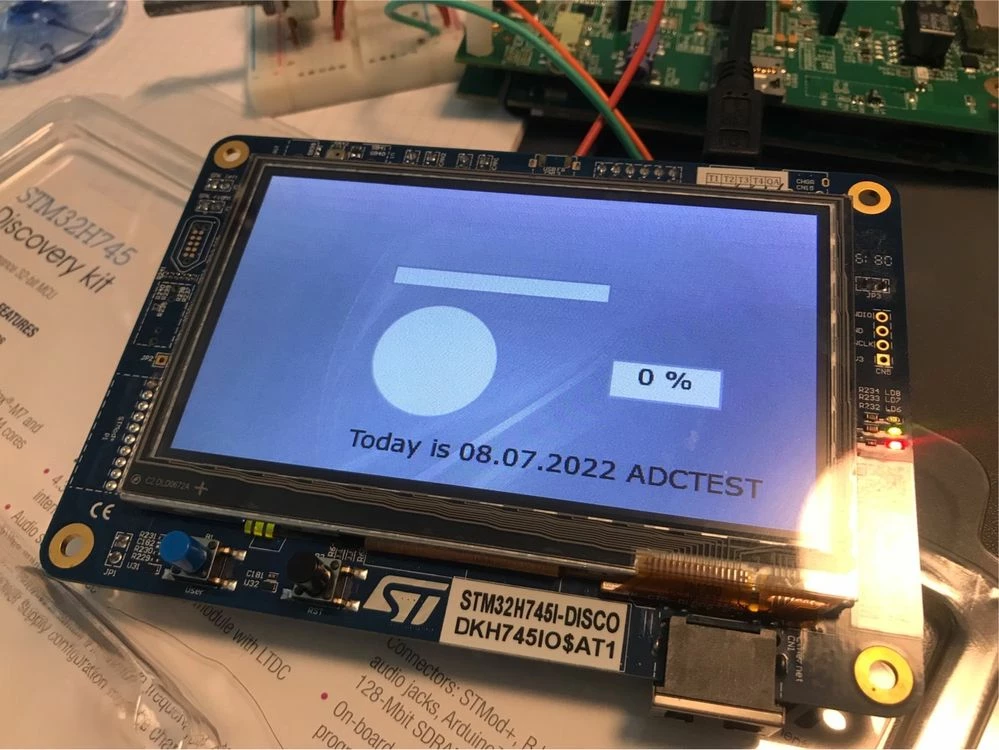
I try the ADC functionality to display the potentiometer's values, to see if this ADC function working successfully.0693W00000QKl0CQAT.jpgHowever, the functionality does not work. 
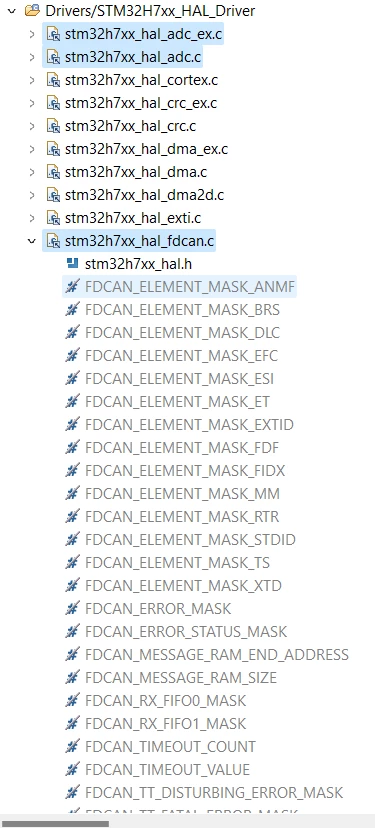
I do not know why the symbols are shown below, and the functionality does not work properly...0693W00000QKl0qQAD.png 
Does anyone have the same problem when importing the project from TouchGFX? Please let me know, Thank you!

4 replies

MM..1
Chief III
July 8, 2022

Way TGFX -- IDE -- extMX -- IDE ... i dont like this, but maybe it works.

Simply for show new files in workspace you need right click on project root and Refresh.

TLin.6
TLin.6Author
Associate II
July 8, 2022

Hello,

Yes, I did refresh many time.

Pavel A.
Super User
July 8, 2022

Find in your project file stm32h7xx_hal_conf.h

In this file, make sure that these lines are NOT commented out:

#define HAL_ADC_MODULE_ENABLED

#define HAL_FDCAN_MODULE_ENABLED

TLin.6
TLin.6Author
Associate II
July 8, 2022

Hallo Pavel A.,

Thank you for the suggestion, but it does not comment out....0693W00000QKleqQAD.png

MM..1
Chief III
July 8, 2022

Seems as your steps create project in TouchGFX and then import into IDE have some issue in created project . Try repeat this other way. After create and test in TouchGFX locate in application folder file name .project placed in ....IDE subfolder. Before double click on it you need remove old project from workspace or create new empty workspace.

TLin.6
TLin.6Author
Associate II
July 8, 2022

Yes, I did what you did in the past few days....(create the file and deleted it again and again, also in IDE workspace)

I also try 3 different boards, stm32F769I, stm32h745, and stm32h750. The stm32F769I work very well. But, the FDCAN and ADC do not work for stm32h745 and stm32h750.

Associate II
April 11, 2025

Did you solve this?

I have the exact same issue:  stm32h7xx_hal_adc.c and stm32h7xx_hal_adc_ex.c are in the directory, but IDE does not list these files.  I am getting compiler errors due to missing HAL_ADC1_Init and missing HAL_ADC_ConfigChannel.  Yes, I have refreshed many times without success.  I'm using stm32h755zit3u on an nucleo-h755zi-q dev board.

Thanks!


Associate II
April 14, 2025

Got it.  There are .project files in both CM4 and CM7 and ADC was not being added.  The .project is just xml, so I added the references.