Hello,
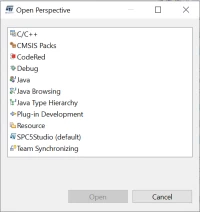
Select the icon highlighted in the image below to open the perspective window and select Debug.

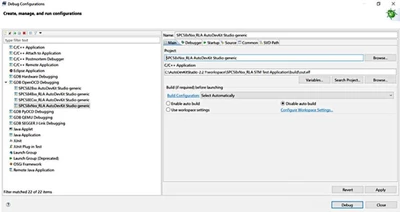
Select Debug Configurations.
After selecting your configuration, insert the path of the elf file in the project field. Click on Debug.
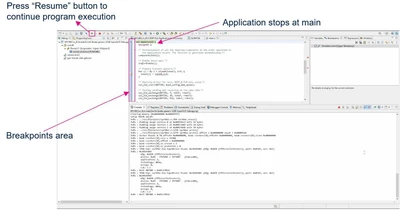
The console opens up and shows your application code execution. The code execution stops at the main file. To continue executing the code, press resume. You can manually insert a breakpoint to stop code execution.
You can see the video tutorial how to use openOCD inside AutoDevKit Studio Welcome Page>Tutorial or see the AEK-MCU-SPCLNK_QSG.pdf file attached.
Best Regards,
AutoDevKit Team
