

Question
AMN STM32 Flasher — Drag, Drop and Flash. No Terminal. No Setup.
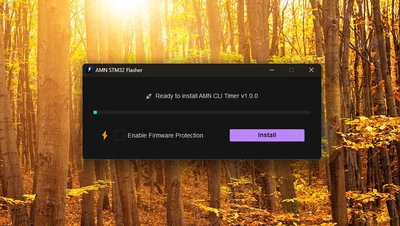
Hi everyone,
I built a Windows tool — a simpler frontend for ST-LINK CLI that replaces the entire command loop with a single drag-and-drop action. Designed to simplify the process for beginners and save time for experts.
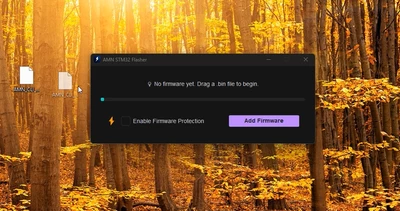
AMN STM32 Flasher — drop your .bin file onto the window and it automatically handles the full pipeline: erase → program → verify → read protection. No commands, no configuration, no setup.
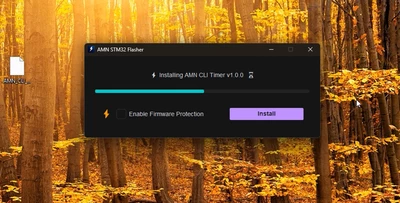
Key features:
- Auto-detects ST-LINK CLI path — no manual configuration
- Instant Flash Mode — flashes the moment you drop the file, no button click needed
- One-click RDP1 read protection toggle
- Native Win32 drag-and-drop via ctypes
- Full keyboard shortcut support
- Works with STM32 over SWD. Requires ST-LINK Utility installed — the app finds it automatically.
- Free and open source under Apache 2.0.
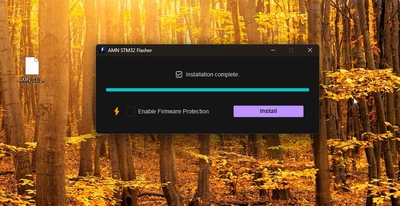
DOWNLOAD: AMN STM32 Flasher
Would appreciate feedback from the community.
Aneesh Murali Nariyampully