
Associate
August 11, 2025
Question

"Connection to MyST" Does Nothing

  • August 11, 2025
  • 1 reply
  • 299 views

When I try to log into myST from the IDE, it literally does nothing. I click on the button, but no window pops up, nothing happens in the browser, nothing happens in the IDE, no new windows are created.


I don't even get any output on the CLI (if I start the IDE from the CLI).


What is going on here?
 

antonly_0-1754908046465.png

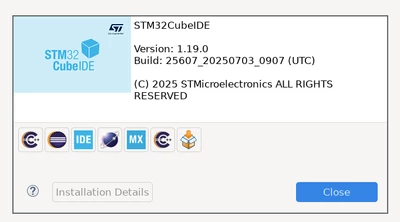
This is my version

1 reply

Technical Moderator
August 19, 2025

Hello @antonly 

Could you please check your connection via Window/Preferences/STM32Cube /Firmware Updater ..

Otherwise please check this article for more details.

KR,

Souhaib

To give better visibility on the answered topics, please click on Accept as Solution on the reply which solved your issue or answered your question.
antonlyAuthor
Associate
August 19, 2025

Hi Souhaib,


after digging through the source code a bit, it appears that the embedded browser fails to start (probably due to running on NixOS and not being able to find some required libraries).

Since there was no way I could find to patch this embedded browser, I settled for running CubeMX inside a docker container with X pass-through, that worked okay.

If anyone's running into similar problems, here's my personal writeup.


Long story short, under Xserver, running STMCubeMX in podman like this seems to work, if your CubeMX is located in `/home/<user>/st/CubeMX/`:


```

podman run -it --rm -e DISPLAY -v ~/.Xauthority:/root/.Xauthority:Z -v ~/st:/st:Z -v ~/.stm32cubemx/:/root/.stm32cubemx:Z -v ~/STM32Cube/:/root/STM32Cube/ --net=host ubuntu
$ apt update && apt install -y xorg && ~/st/STM32CubeMX/STM32CubeMX

```

This eventually opens a CubeMX window that doesn't suffer from browser issues.