
EGit kills Help content.
Installing EGit for Eclipse 6.7.0 in STM32CubeIDE 1.19.0 stops the display of Help Topic contents.
I have a clean install of CubeIDE.
Opening menu item: Help -> Help Contents opens the Help window OK
Opening menu item: Help -> Show Context Help Contents opens Help window OK and Topic content can be selected and viewed.
After installing EGit the Help window no longer shows at all and selecting any topic in the Help pane is an empty page. The Git functionality seems to work, staging, commit and compare to a local Git repository, I have not tried with GitHub at this time.
There was a warning during EGit installation:
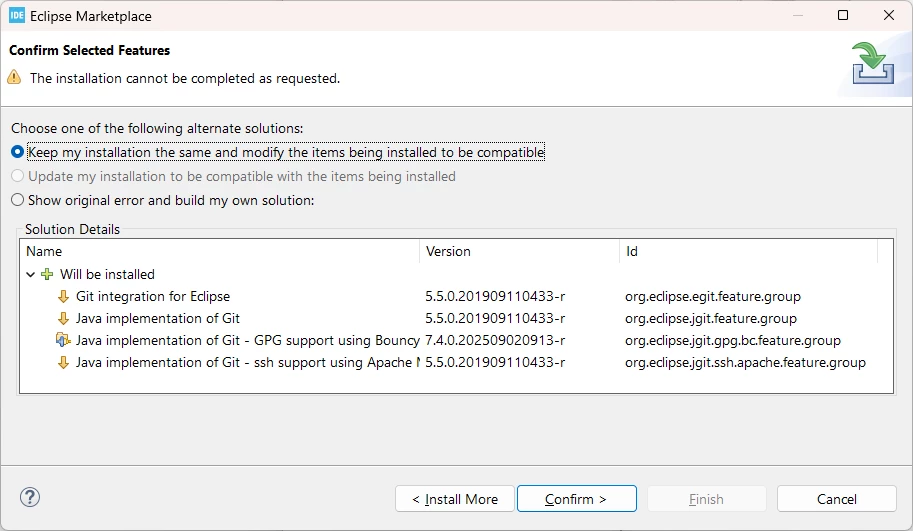
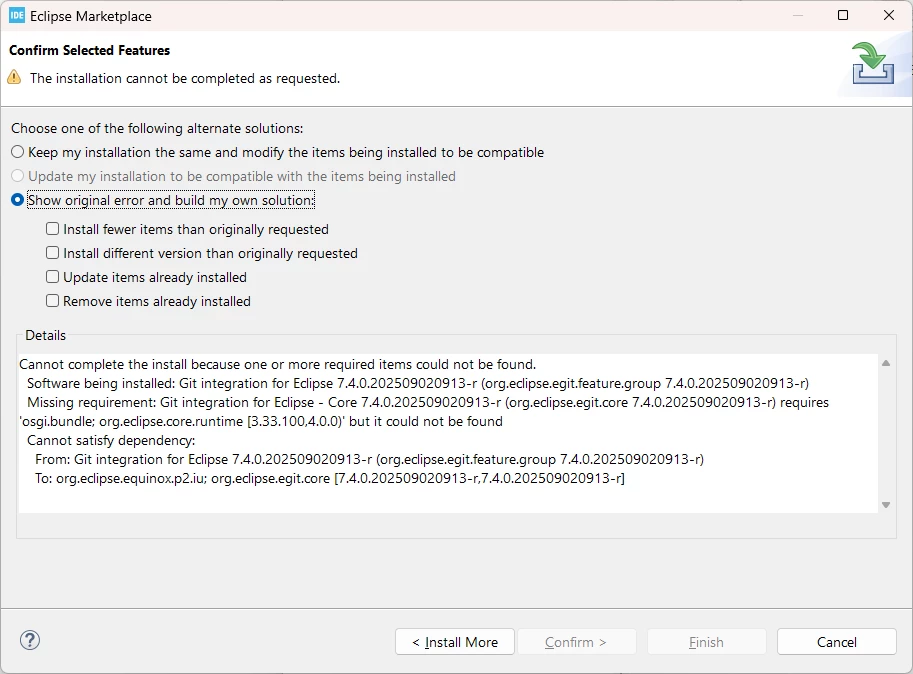
I don't know if this is related, but even before installing EGit the log file has this message logged every second:
!SESSION 2025-09-21 19:51:02.272 -----------------------------------------------
eclipse.buildId=Version 1.19.0
java.version=21.0.3
java.vendor=Eclipse Adoptium
BootLoader constants: OS=win32, ARCH=x86_64, WS=win32, NL=en_GB
Command-line arguments: -os win32 -ws win32 -arch x86_64

This is a continuation of log file C:\Users\andrz\STM32CubeIDE\learning\.metadata\.bak_9.log
Created Time: 2025-09-22 13:01:06.182

!ENTRY com.st.stm32cube.ide.mpu.remote.serial 4 0 2025-09-22 13:01:06.183
!MESSAGE Failed to parse wmic output
!STACK 0
org.xml.sax.SAXParseException; lineNumber: 1; columnNumber: 1; Premature end of file.
	at java.xml/com.sun.org.apache.xerces.internal.parsers.DOMParser.parse(DOMParser.java:262)
	at java.xml/com.sun.org.apache.xerces.internal.jaxp.DocumentBuilderImpl.parse(DocumentBuilderImpl.java:342)
	at com.st.stm32cube.ide.mpu.remote.serial.internal.SerialPortProviderWindows.run(SerialPortProviderWindows.java:127)
	at java.base/java.util.TimerThread.mainLoop(Timer.java:566)
	at java.base/java.util.TimerThread.run(Timer.java:516)
I would like to use both Git and Help - I need as much help as I can get ;)