EKokk
Associate
December 17, 2018
Question

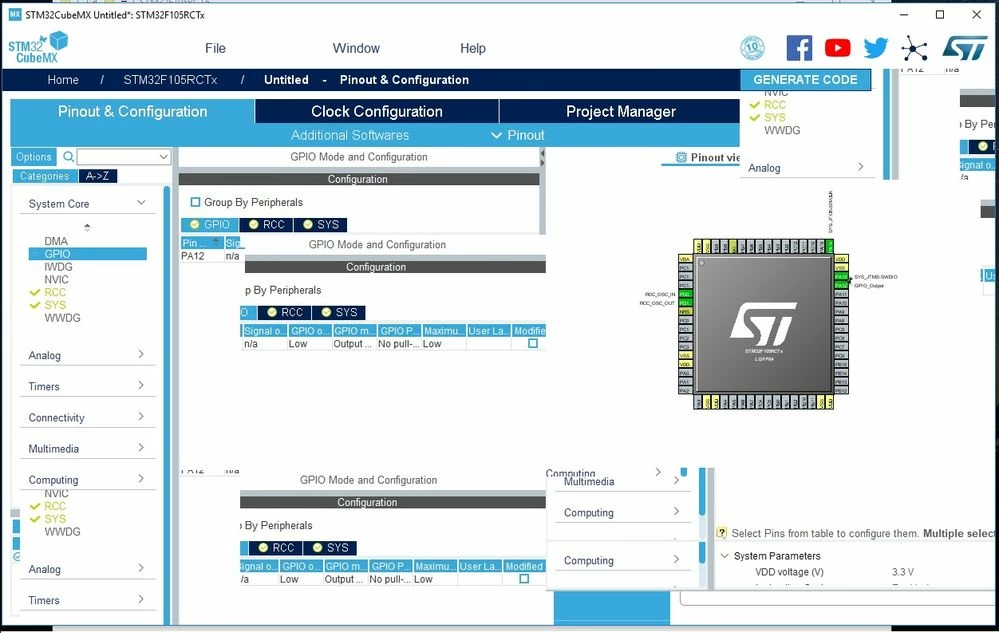
My CubeMX UI is messed up.

  • December 17, 2018
  • 13 replies
  • 5764 views

I do apologize if this is in wrong section or something. I just don't have time to spend hours looking for correct place to get support. I need to work, not fiddle with misbehaving software.

The issue I am having is that CubeMX (latest version from the website) is totally messed up in my desktop PC with windows 10. Everything works fine on my windows 7 laptop.

One picture tells more than a thousand words so here are two.
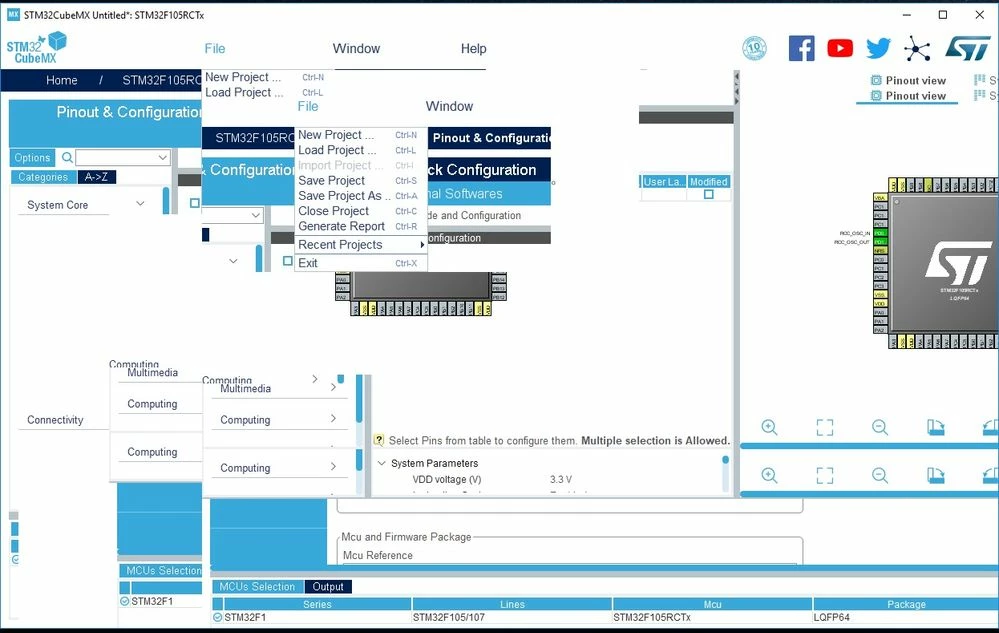
0690X000006CqcAQAS.jpg0690X000006Cqc5QAC.jpg

It's totally unusable. Never seen this kind of behavior with any software I am using in my windows 10 desktop.

All help is very much appreciated, and sorry again if this is in wrong section.

This topic has been closed for replies.

13 replies

HHrac.1
Visitor II
March 17, 2023

Same problem here, 4 years later, lmao.

I7 13700k, RTX 3080 Ti.

Windows 11 Pro, 22H2.

4K resolution, 150% scaling.

32gb ram, ~22gb ram free.

Latest stm32cubemx version.

0693W00000aJEyRQAW.png

Fendo59
Associate II
September 3, 2023

I have the same problem!
Thanks

Explorer
June 30, 2023

Hello Kudos, I am using a laptop which uses RTX3060 and 2K display and I got same issue as yours.

I figured out a workaround is set the window -> display size to larger, and then UI glitch issue disappeared.

Explorer
December 18, 2023

On windows set environment variable J2D_D3D to false can fix this.

You can use the PowerShell command to do this as

setx J2D_D3D false

It seems like unappropriated graphical acceleration issue on windows platform which provide by DirectX3D.