

cannot execute binary file: Exec format error
I made a NUCLEO-G474RE IO-Toggle project in eclipse on Ubuntu, the building has been passed through, while I couldn't run it into the NUCLEO board. When I start to debug it, this error was shown:
/bin/bash: /home/mq/eclipse-workspace/test_NUCLEO-G474RE/Debug/test_NUCLEO-G474RE.elf: cannot execute binary file: Exec format error
/bin/bash: /home/mq/eclipse-workspace/test_NUCLEO-G474RE/Debug/test_NUCLEO-G474RE.elf: Success
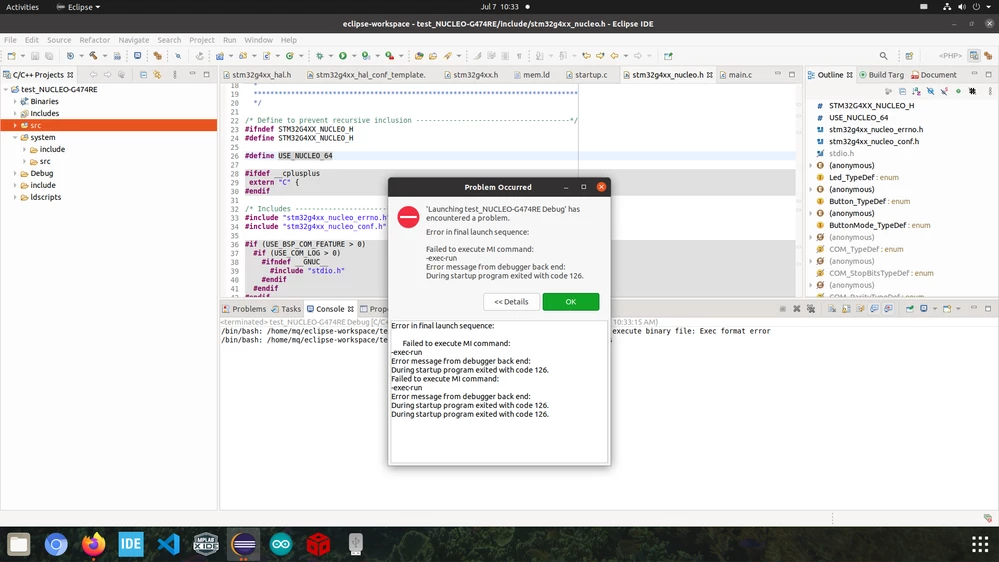
I found a similar answer here - https://superuser.com/questions/435988/how-can-i-resolve-the-error-cannot-execute-binary-file
It was said:
Usually that error message means Linux doesn't recognize the file as a shell script or as an executable file.
Typically the cause is running an executable on the wrong architecture - if you try to run x86 executables on an ARM CPU, this message comes up.
Maybe my launch configuration was wrong:
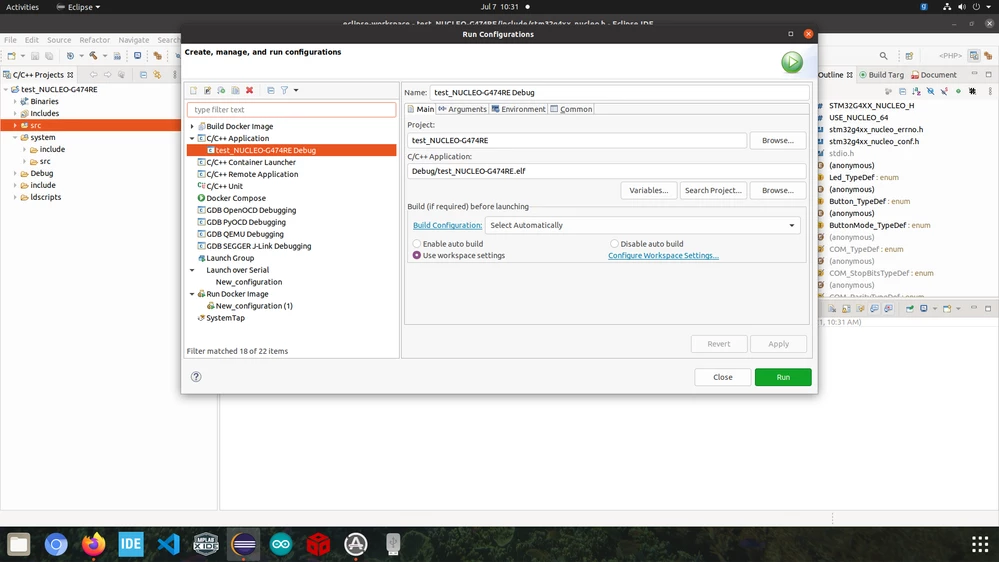 any suggestion?