

How to download STM32CubeProgrammer on MacOS Monterey 12.6
I am trying to download STM32CubeProgrammer on MacOS Monterey 12.6 in order to program a STM32F103C8T6 ARM (BluePill) microcontroller. I followed the directions on this post, but I'll outline what I did exactly.
I first uninstalled java:
sudo rm -rf /Library/Internet\ Plug-Ins/JavaAppletPlugin.plugin
sudo rm -rf /Library/PreferencePanes/JavaControlPanel.prefPane
sudo rm -rf /Library/Application\ Support/Oracle/Java/
sudo rm -rf /Library/Java/JavaVirtualMachines

I then installed jdk-8u231-macosx-x64.
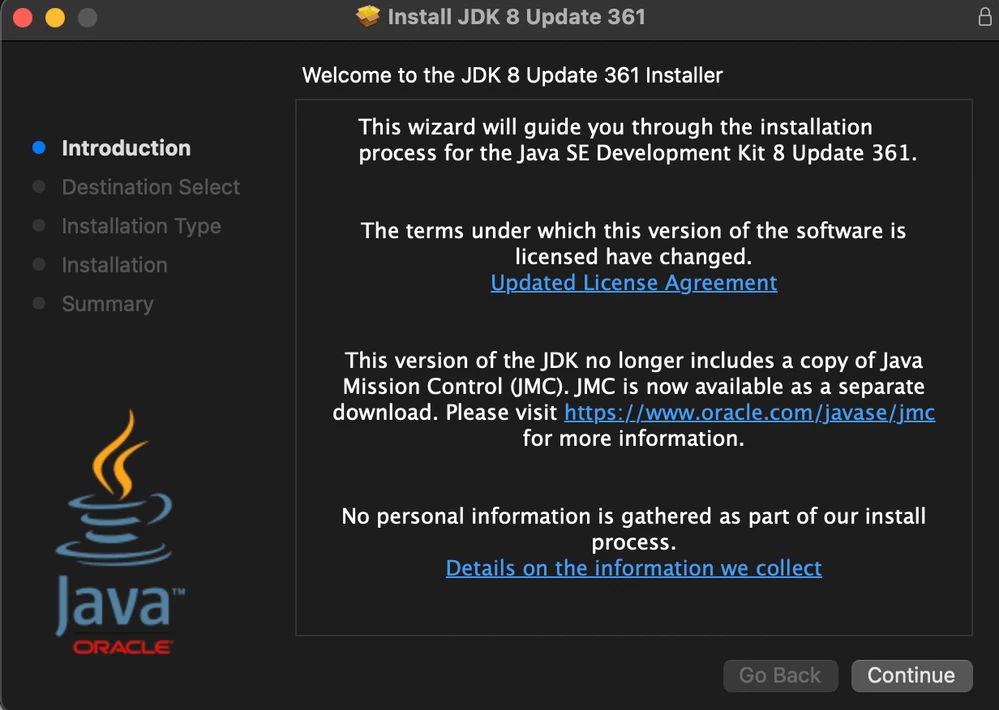
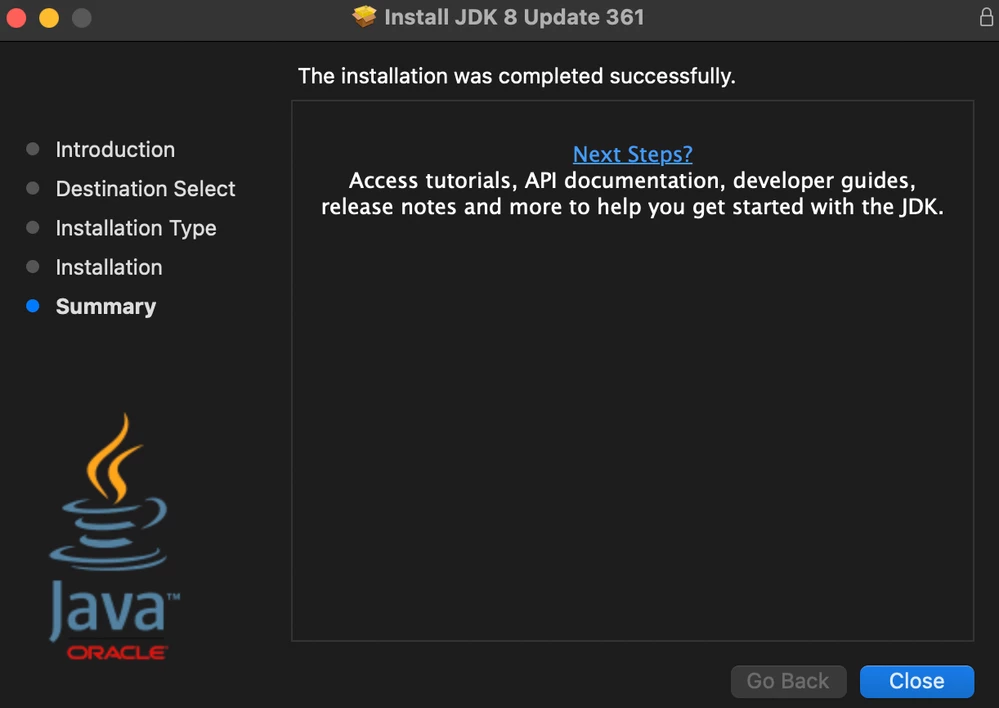
 Which downloads a different version of Java than the post I was following which I suspect could be part of the problem. I also didn't download the JMC separate download. Not sure if that matters.
I then downloaded the STM32CubeProgrammer for Mac. Tossed the folder on my desktop, and changed directory to this folder
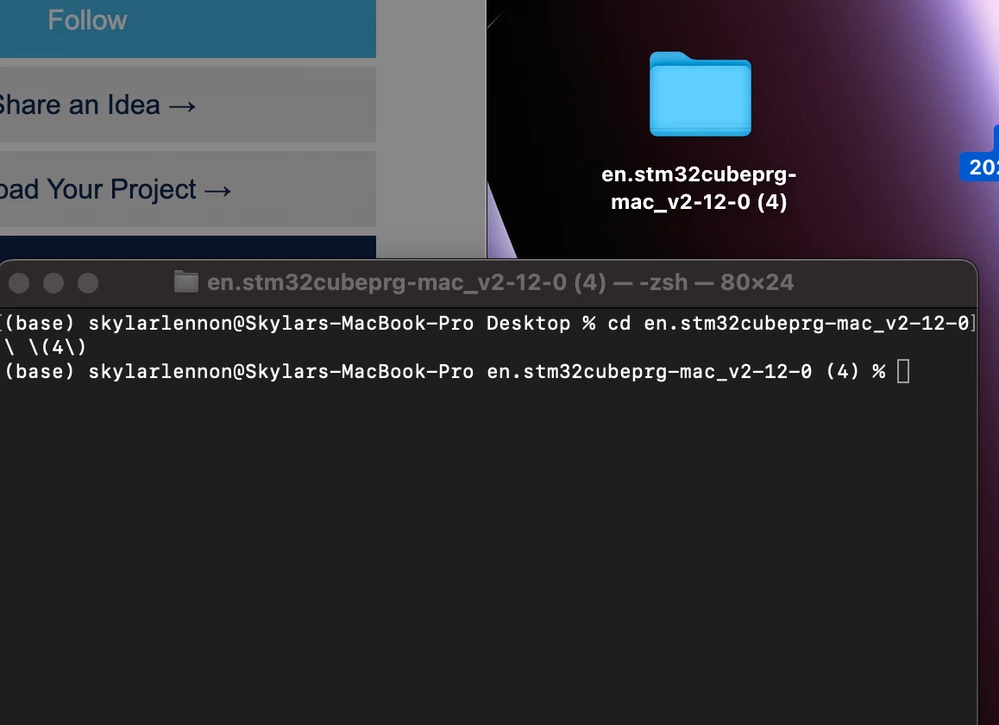 I then ran the command:
sudo java -jar SetupSTM32CubeProgrammer-2.12.0.exe
Which brings up the installation wizard for the STM32CubeProgrammer. I followed this and downloaded it to this default location:
/Applications/STMicroelectronics/STM32Cube/STM32CubeProgrammer
Downloaded these files:
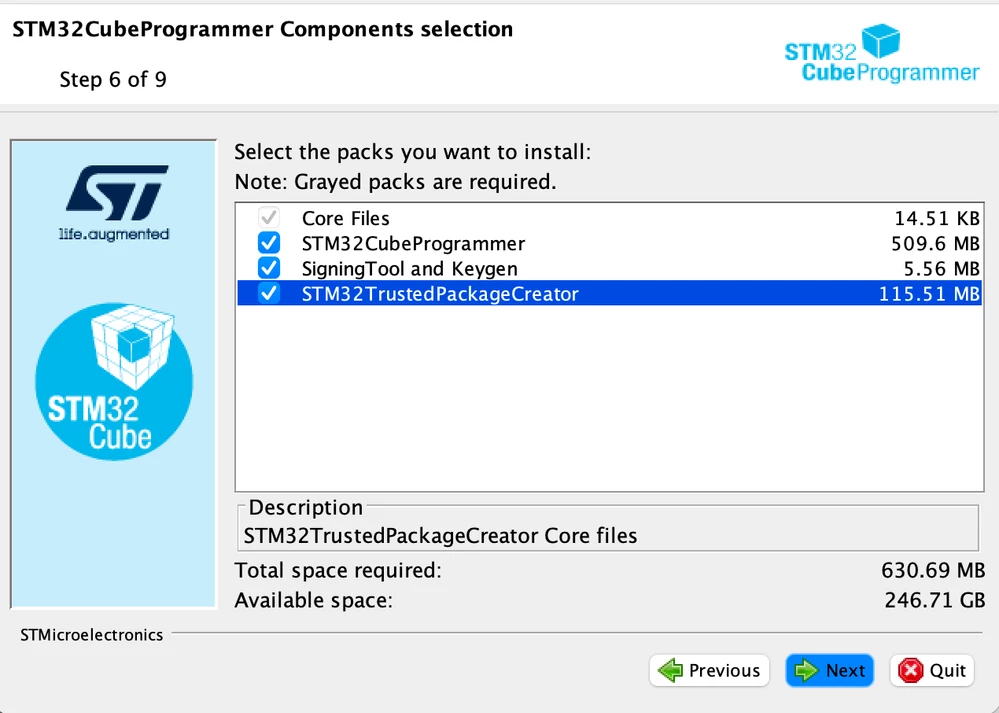
But it gives me this error:
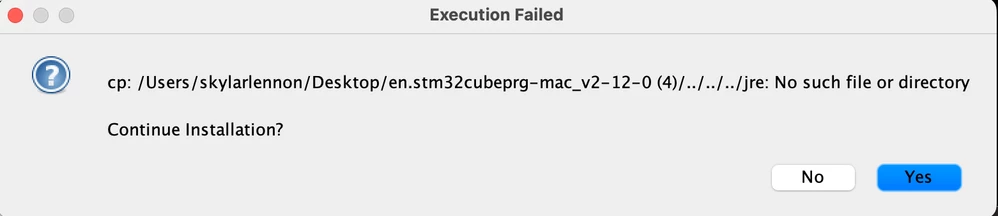
With these details:
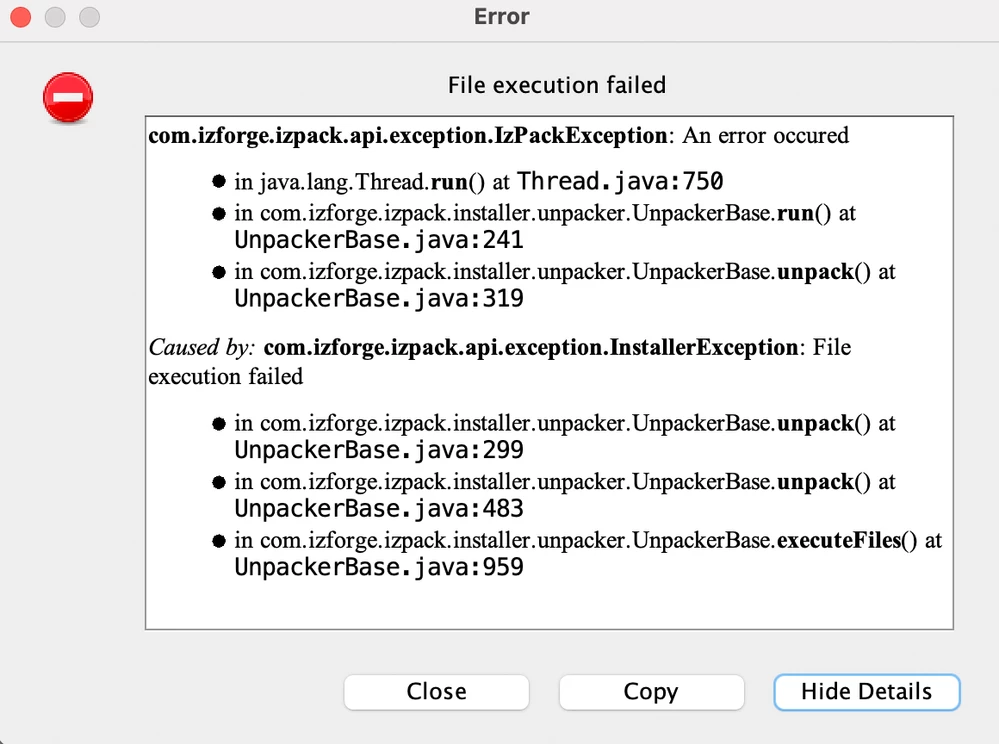
Not sure why it's looking for jre 3 parent directories back. I tried to move the jre file there but it's giving me this error:
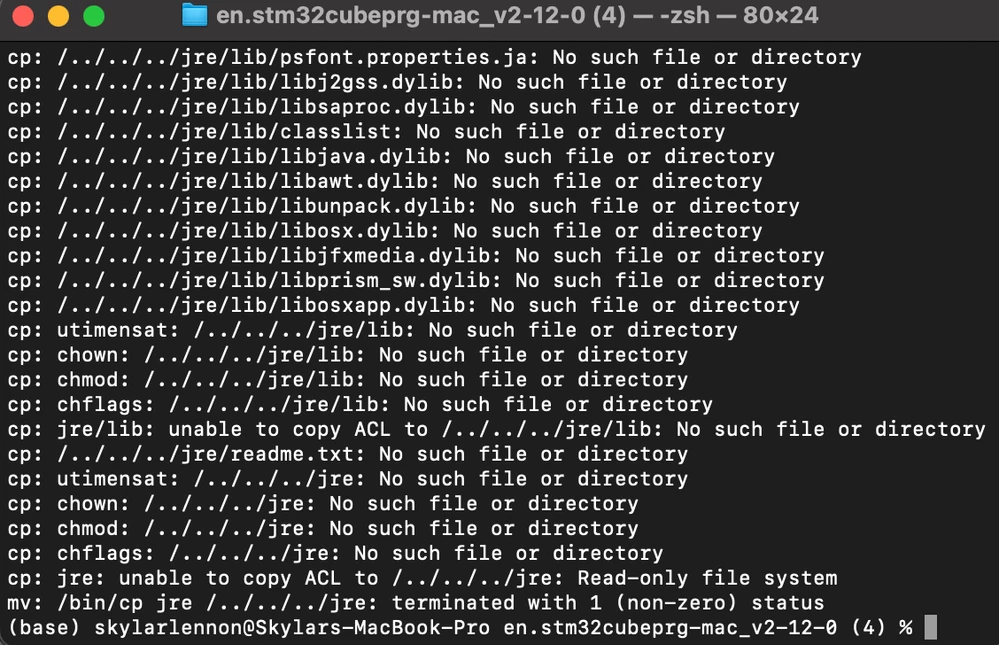 What am I doing wrong? Thank you so much in advance for the help. This is for a school project team and I can really use the help.