

How to get STM32CubeProgrammer working in Windows 10 (x64)? (Works in console but not in GUI Application)
Hi @all,
I have big problems in using the STM32CubeProgrammer (latest release). My hardware setup is nothing special ... It's a STM32F407 connected to a ST-Link device (3.3V, GND, DIO, CLK).
This works like a charm if I use the console application:
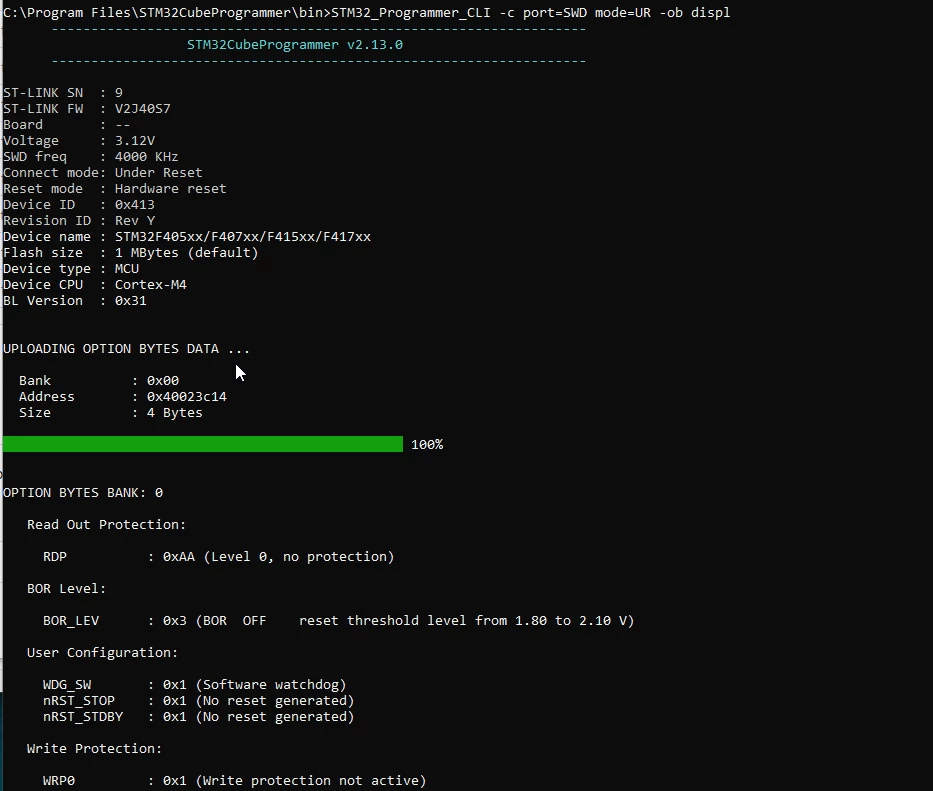
So I think wiring should be fine and in general the ST-Link should do its job. (And I assume that the correct drivers are installed and working)
But if I move over to the graphical application, I have no luck at all to do anything.
Here is my setup:
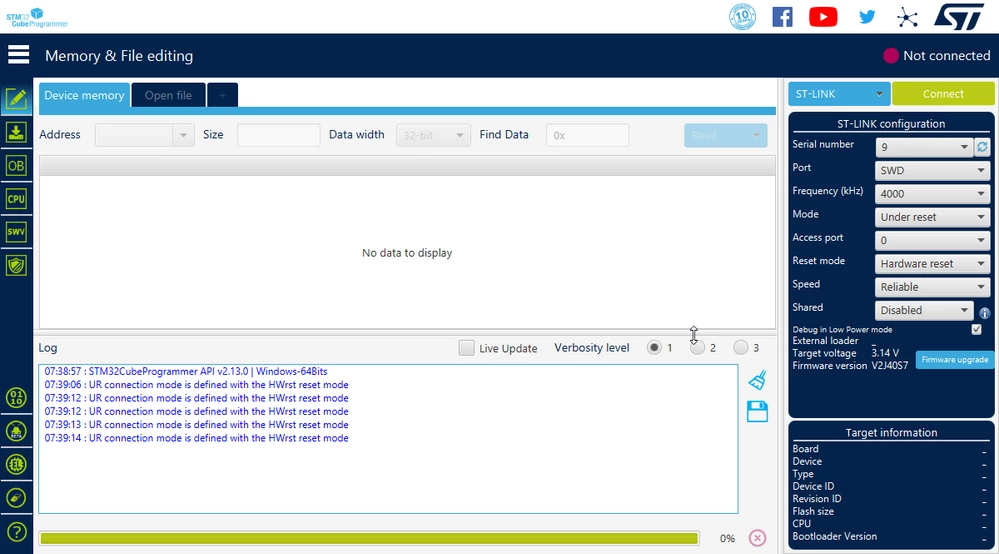
Sometimes the progress bar at the bottom shows some sliding animations, but that's all.
This is really frustrating because I need the application for some bootloader flashing with 3d printer boards.
The wired thing is ... If I use the good old ST-Link Utility, it works:
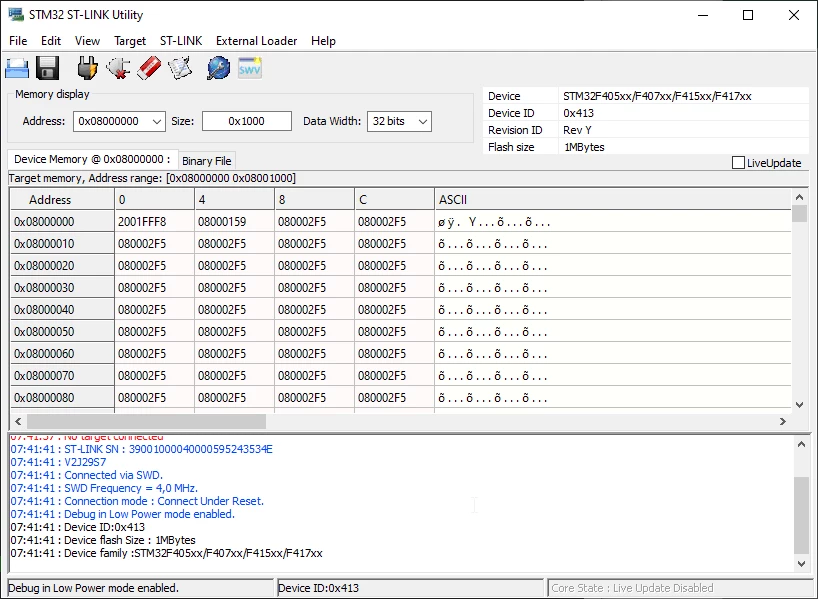 So I am really confused ... Two applications work flawless, but the STM32CubeProgrammer GUI always makes trouble.
Did anyone here make the same experiences? Is there anything I can check, configure, test, ... to get rid of this annoying problem?
Thx in advance!
Dominik