Senior
April 26, 2022
Solved
Intermittent but frequent "Target is not responding, retrying..." with STM32CubeIDE debugger
- April 26, 2022
- 4 replies
- 7372 views
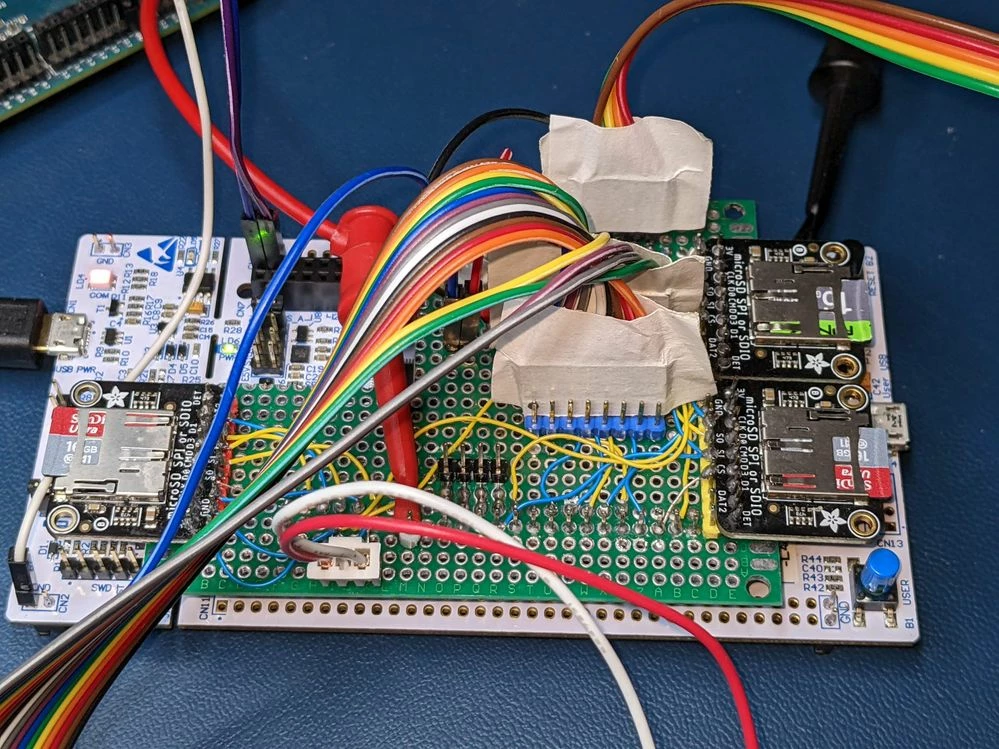
This problem is driving me crazy. I'm running STM32CubeIDE, Version: 1.9.0, Build: 12015_20220302_0855 (UTC) connected to a NUCLEO-L4A6ZG. Very frequently, my debug sessions go like this:
STMicroelectronics ST-LINK GDB server. Version 6.1.0
Copyright (c) 2022, STMicroelectronics. All rights reserved.

Starting server with the following options:
 Persistent Mode : Disabled
 Logging Level : 1
 Listen Port Number : 61234
 Status Refresh Delay : 15s
 Verbose Mode : Disabled
 SWD Debug : Enabled
 InitWhile : Enabled

Waiting for debugger connection...
Debugger connected
Waiting for debugger connection...
Debugger connected
Waiting for debugger connection...
 -------------------------------------------------------------------
 STM32CubeProgrammer v2.10.0
 -------------------------------------------------------------------


Log output file: c:\users\carlk\appdata\local\temp\stm32cubeprogrammer_a23636.log
ST-LINK SN : 0675FF535155878281053933
ST-LINK FW : V2J39M27
Board : NUCLEO-L4A6ZG
Voltage : 3.22V
SWD freq : 4000 KHz
Connect mode: Under Reset
Reset mode : Hardware reset
Device ID : 0x461
Revision ID : Rev 2.0
Device name : STM32L496xx/STM32L4A6xx
Flash size : 1 MBytes
Device type : MCU
Device CPU : Cortex-M4
BL Version : --
Debug in Low Power mode enabled


Memory Programming ...
Opening and parsing file: st-link_gdb_server_a23636.srec
 File : st-link_gdb_server_a23636.srec
 Size : 110.57 KB
 Address : 0x08000000


Erasing memory corresponding to segment 0:
Erasing internal memory sectors [0 55]
Download in Progress:


File download complete
Time elapsed during download operation: 00:00:03.779


Verifying ...


Download verified successfully


Target is not responding, retrying...
Target is not responding, retrying...
Target is not responding, retrying...
Target is not responding, retrying...
Target is not responding, retrying...
Target is not responding, retrying...
Target is not responding, retrying...
Target is not responding, retrying...
Target is not responding, retrying...
Target is not responding, retrying...
Shutting down...
Exit.
Some things I've tried:
- Really short USB cable
- Got myself a gold plated USB cable with a ferrite choke
- DeoxIT D100 contact cleaner spray on USB connections
- Reduced SWD frequency to 1000
- 4 or 5 different USB connections to the PC
- Checking for updated Windows 11 USB drivers
- Swapping the NUCLEO-L4A6ZG for a NUCLEO-L496ZG
Nothing has made the slightest difference, as far as I can tell.
I'm running the Virtual COM port interface on USB for LPUART communication. Could that make any difference? I tried reducing the frequency on that from 115200 to 57600, but that didn't help, either.
I have some external gear connected to the Nucleo, so I am feeding 10 V at 120 mA into VIN (JP6 on VIN), but I had this problem before I had that hooked up.
What else can I try?