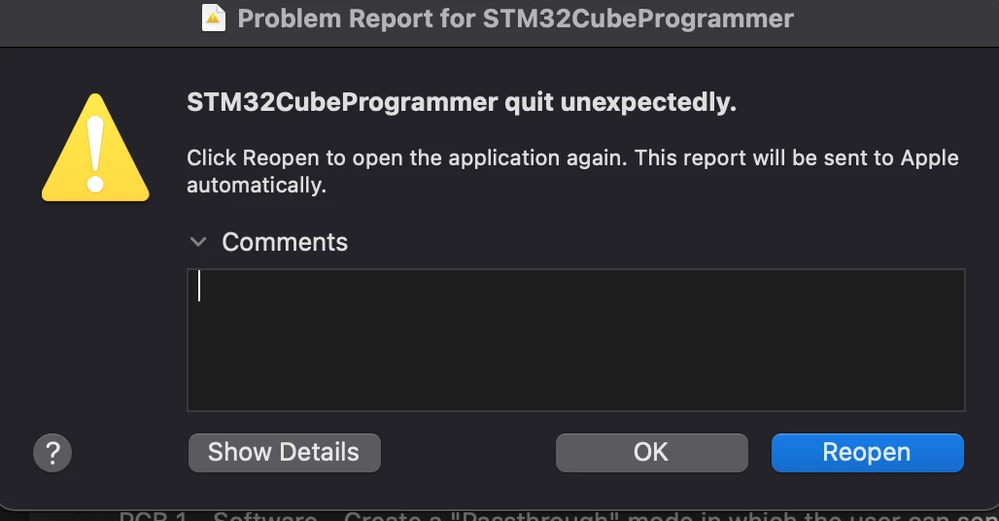
M1 MacBook Air struggles with STM32CubeProgrammer.
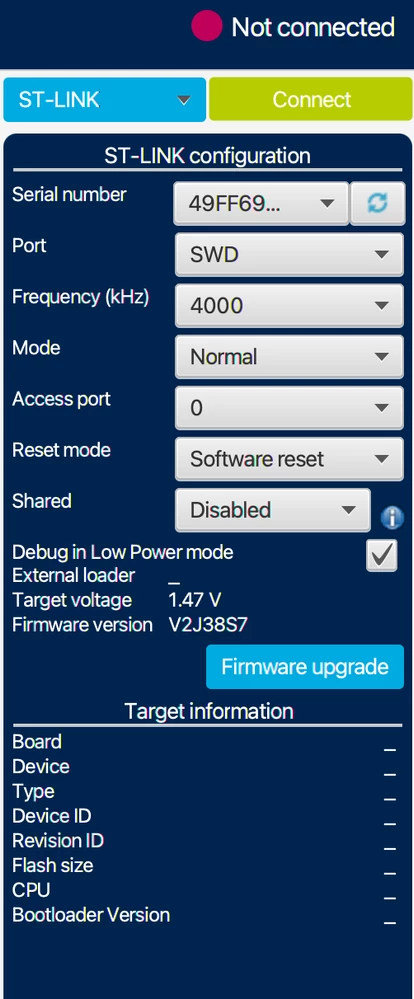
My MacBook Air (M1, 2020) macOS Big Sur version 11.5.1 (20G80) struggles with STM32CubeProgrammer. I deinstalled all my java updates and installed the recommended java version according to this post https://community.st.com/s/question/0D50X0000BmnqrBSQQ/how-to-run-stm32cubeprogrammer-on-macos-catalina-10151-19b88.
My java -version:
java version "1.8.0_231"
Java(TM) SE Runtime Environment (build 1.8.0_231-b11)
Java HotSpot(TM) 64-Bit Server VM (build 25.231-b11, mixed mode)
The app boots up and reads my link V2 version which is V2J38S7 now which is great, but sadly whenever I have my connection option as "ST-link" then I click "Connect" or "Read" STM32CubeProgrammer immediately crashes. It doesn't however do that under options like "UART" or "USB" it simply reports back that I haven't got that type of connection established then reverts me to the main menu without crashing. My ST-Link V2 has a steady red LED plugged into USB-C port via USB-A to USB-C adapter. If CubeProgrammer is somehow broken for M1 macs, can anyone please suggest a friendly GUI like that of CubeProgrammer to have easy access to boot options, erase/flash arm based MCUs on macOS?