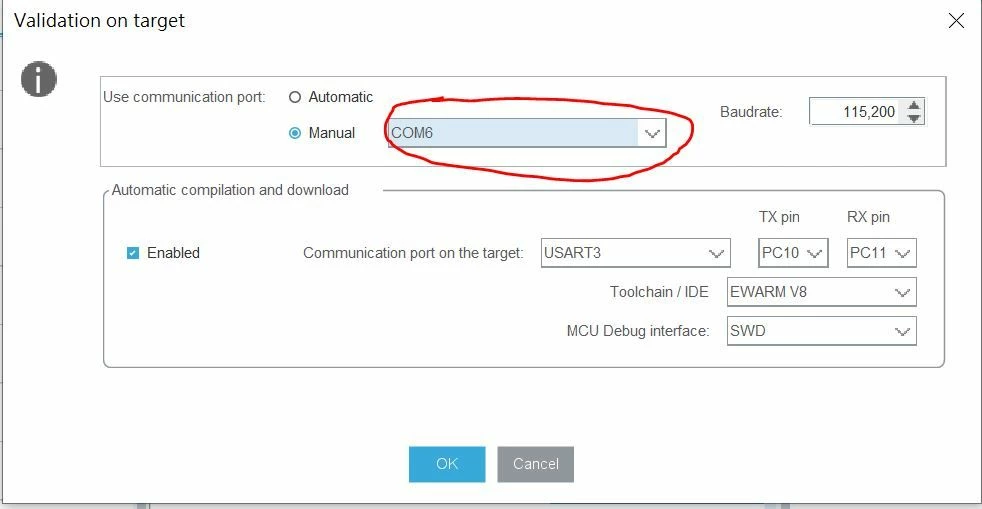
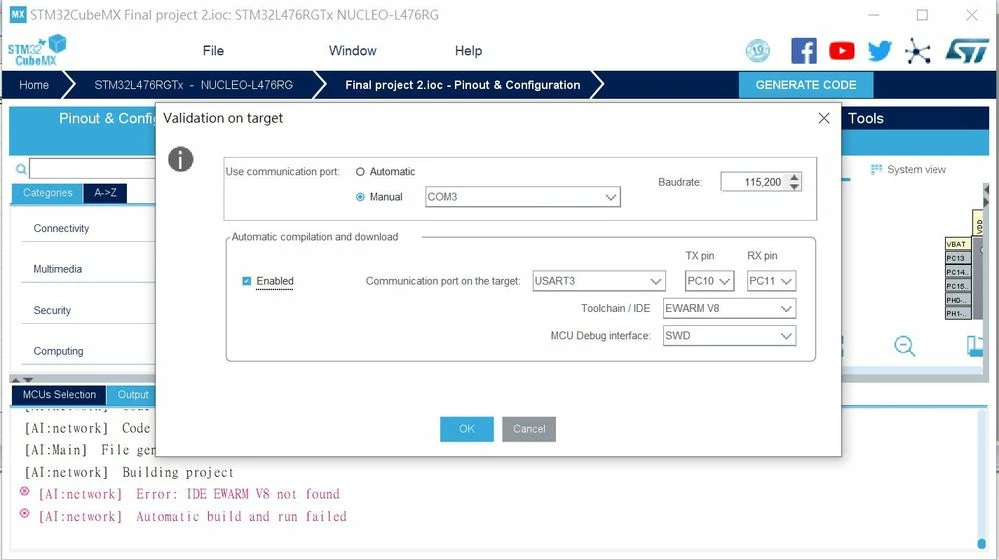
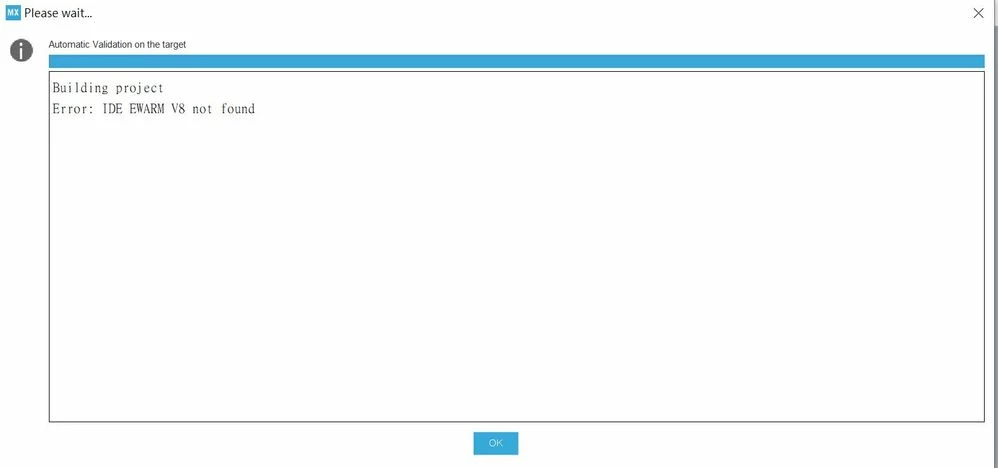
[AI:network] Error: IDE EWARM V8 not found & invalid firmware or the board should be re-started
I am using cube ai 5.0.0 , and the version of my IAR is v8.32.
My board is NUCLEO-LM476RG.
I followed the tutorial exactly step by step, but it raised this error.
What can I do?
The further question is: is validation on target necessary?
I can validate my network on colab.
Can I develop my own applications without this step?
========================update==========================
I solved the IDE not found problem by installing IAR at disk C,
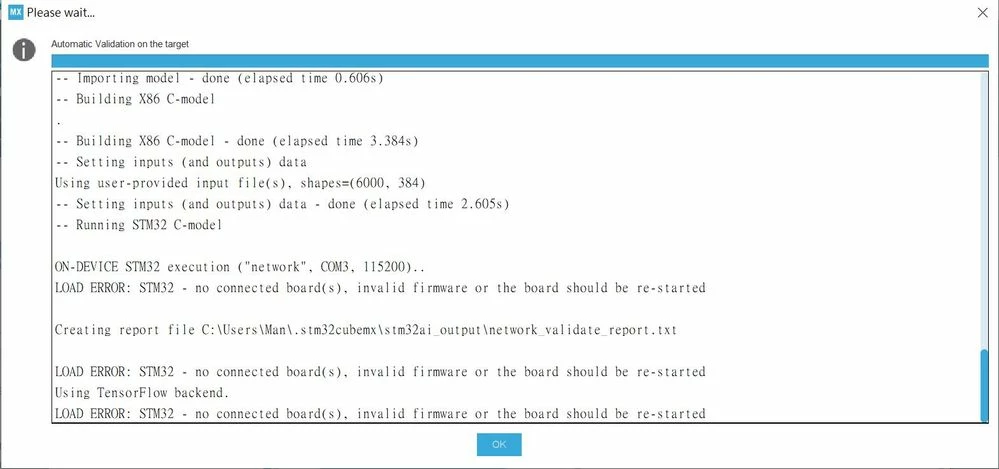
but I found another problem.
LOAD ERROR: STM32 - no connected board(s), invalid firmware or the board should be re-started
========================update==========================
I solved it on my own.
You must connect your USART port to the PC.
You have to implement the hardware connection.
Therefore you will have to use 2 port to "control" the board.
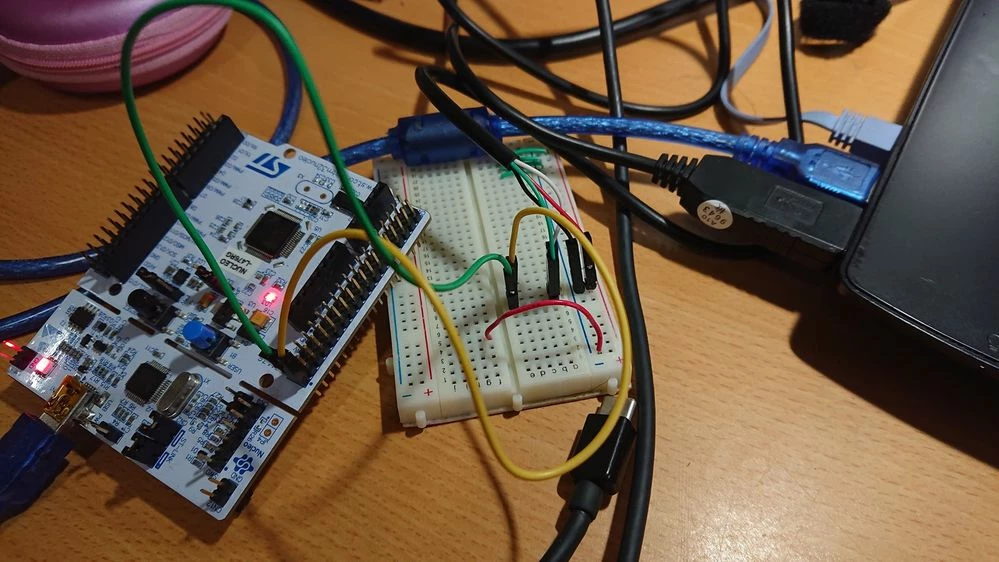
Note that this port is different from the port connecting the board.
So when validating on target, you have to select the right COM port which
CONNECTS TO YOUR USART, not the board.
Or you will not surprisingly get the error: no connected board(s),
(In my case COM3 connects my L476RG board and COM6 connects my USART3.)