Solved
NanoEdge AI Studio V5.0.2 fails with "Reach Heap Limit"
When using the previous V4.6.0 version, it wouldn't allowed it to be used unless I upgrade NanoEdge AI Studio latest version 5.0.2. So I've obliged...
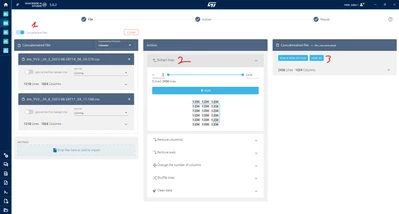
Now, one of the projects that I have for anomaly detection, that has several files for Valid Signals and Abnormal signals, when selecting those views, the main window just blacks out and the console error is:
11:59:44.992 › Set title bar overlay

<--- Last few GCs --->

[61444:0x2e980055c000] 54631 ms: Mark-Compact 4047.8 (4074.6) -> 4046.4 (4079.6) MB, pooled: 0 MB, 1344.48 / 0.00 ms (average mu = 0.269, current mu = 0.034) allocation failure; scavenge might not succeed
[61444:0x2e980055c000] 55993 ms: Mark-Compact 4050.9 (4079.6) -> 4048.7 (4081.6) MB, pooled: 0 MB, 1335.40 / 0.00 ms (average mu = 0.157, current mu = 0.020) allocation failure; scavenge might not succeed


<--- JS stacktrace --->

[61444:0424/120036.866948:ERROR:v8_initializer.cc(808)] V8 javascript OOM (Reached heap limit).
So it seems pretty clear that the studio runs out of memory.
I'm unable to find any file that I might change for increasing the heap size...
Any ideas how I can solve this issue?