Hello @athern27,
Indeed, because of the Export Control Classification Number (ECCN) imposed by the US, we don't have the right to deliver code for the N6 without a form.
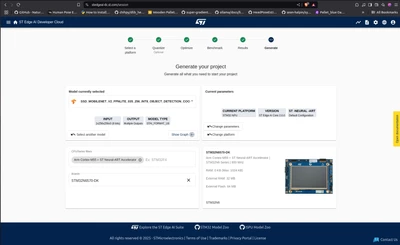
For the moment we disabled the download on st edge ai cloud while waiting for a status concerning the ECCN.
To easily test the N6 and models I suggest you take a look at the ST Model ZOO:
GitHub - STMicroelectronics/stm32ai-modelzoo: AI Model Zoo for STM32 devices
The model zoo is divided into 2 github, one containing multiple architectures of models for multiple use case and the other containing the scripts to retrain, quantized, benchmark, deploy etc...
In your case, based on your model's name, you should take a look at the object detection part of the ST model zoo and the deployment run mode (stm32ai-modelzoo-services/object_detection/deployment/README.md at main · STMicroelectronics/stm32ai-modelzoo-services · GitHub)
To be able to deploy code to the N6, you will need to follow this documentation:
stm32ai-modelzoo-services/object_detection/deployment/README_STM32N6.md at main · STMicroelectronics/stm32ai-modelzoo-services · GitHub
(In short, you copy paste the getting started application into the model zoo folder for it to be capable of generating code. For the same reason as the dev cloud, we can't provide code via the model zoo. Only the getting started can be delivered thanks to the form.)
Furthermore, example code from the dev cloud is just an inference with a random input. Then it sends via serial some metrics, whereas the example code from the getting started + model zoo allows you to use the camera and display with your model.
Best regards
Julian