

Solved
STM32CubeFunctionPack_DATALOG2_V2.1.0
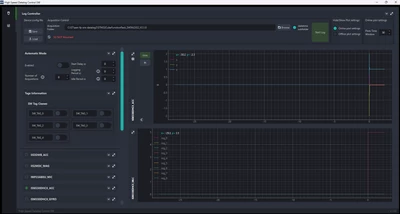
I was trying to reconfigure and customize the HMI given by HSDATALOG2 interface , i have been looking into utilities/HSDPython_SDK/examples ; utilities/HSDPython_SDK/st_dtdl_gui but i can't see how i can manage the controll over the widgets colours and texts .
i' ve consulted the scripts written in python , JSON files but nothing changes while executing the main .
is there a file that contains all the widgets , how may i make my own changements.
@SimonePradolini