

MHass.2
Associate II
April 3, 2021
Question

Cannot run program "arm-atollic-eabi-gcc": Command line too long

  • April 3, 2021
  • 1 reply
  • 1185 views

I tried to use DSP CMSIS Library, I included the libraries and adjusted the Paths and Symbols but when I tried to build the program I get this notification.

Cannot run program "arm-atollic-eabi-gcc": Command line too long

How I fix this problem ?
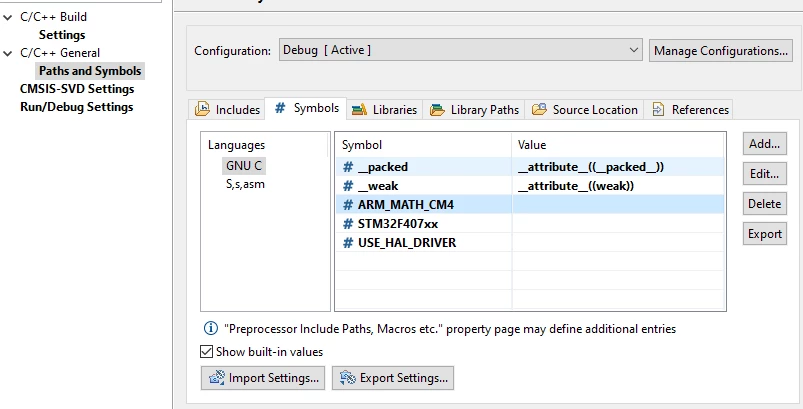
0693W000008ydvIQAQ.png

This topic has been closed for replies.

1 reply

Pavel A.
Super User
April 4, 2021

Try to make your project paths shorter. Consider the Windows subst command to map a drive letter to a subdirectory.

Try to use internal builder.

Long answer: old Windows programs are not compatible with the long path support in newer Windows versions.

The make program in old Atollic may be is such.

Ensure that long paths are enabled in your system, try to borrow make.exe from a modern toolchain (CubeIDE host tools).

--pa