STM32H753IITx + OV5640 + W9812G6KH-6 + SD Card on SPI
Hi,
I have STM32H753IITx + OV5640 + W9812G6KH-6 + SD Card on SPI, on a self made custom board.
I objective is to capture static image with camera and store it on a SD card. I have tested this setup in three situations:
1. By not using Ext RAM and using small resolution to fit the image in internal RAM, this setup works fine and i am able to write the image to SD card.
2. Writing some data manually on Ext RAM which looks fine on memory monitor window.
3. When i try to use the Ext RAM with DCMI, some data gets written to Ext RAM but code never finds the jpeg start bytes i.e FF D9. Going step by step so i have kept everything else same even the resolution.
This is how buffers are defined:
Internal RAM:
__attribute__((section(".ram_d1"))) uint8_t jpeg_data_buf[JPEG_BUF_SIZE_MAX]; // Store internal ram
External RAM:
__attribute__((section(".sdram_data"))) uint8_t jpeg_data_buf[JPEG_BUF_SIZE_MAX]; // Store ext ram
Flash.ld file snip: (Modified)
.sdram_data(NOLOAD) :
{
. = ALIGN(32); // tried = ALIGN(4); also
_ssdram_data = .; /* Start of SDRAM data */
*(.sdram_data .sdram_data.*) /* Place all variables marked with .sdram_data */
. = ALIGN(32);
_esdram_data = .; /* End of SDRAM data */
} >SDRAM
Original:
.sdram_data:
{
. = ALIGN(4);
_ssdram_data = .; /* Start of SDRAM data */
*(.sdram_data .sdram_data.*) /* Place all variables marked with .sdram_data */
. = ALIGN(4);
_esdram_data = .; /* End of SDRAM data */
} >SDRAM AT> FLASH
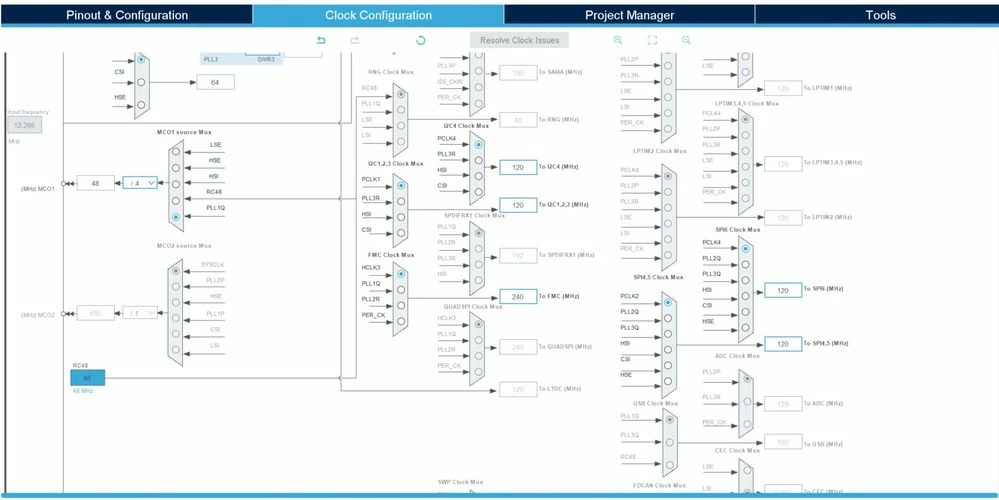
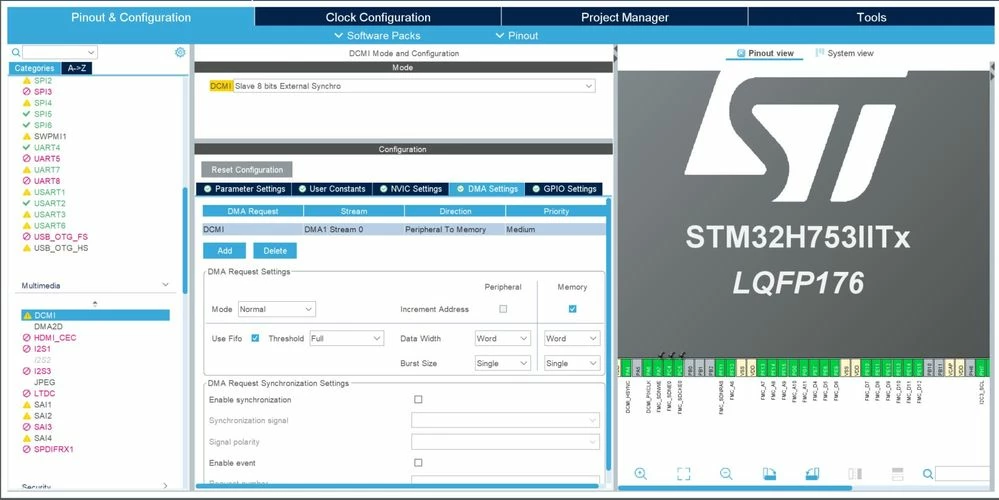
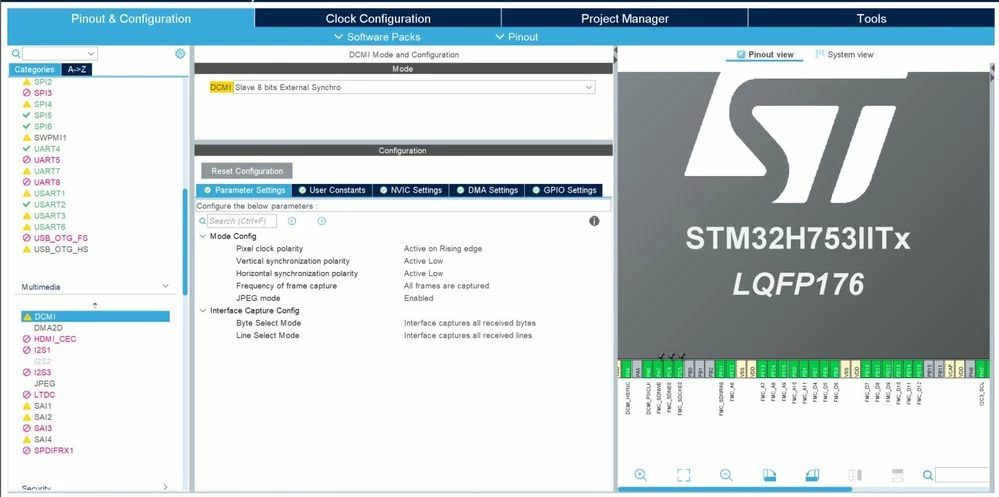
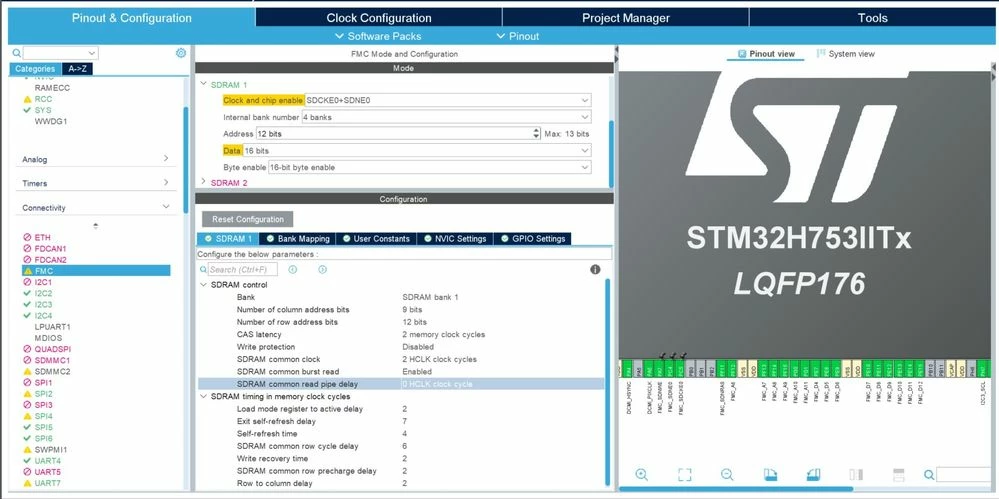
other images are attached for the reference