
Associate
March 31, 2025
Solved

SOLVED: ST25R3911B-DISCO and ST25R3911B Discovery GUI not working

  • March 31, 2025
  • 2 replies
  • 462 views

Hi,

I have the ST25R3911B-DISCO connected to my Win 10 laptop and ST25R3911B Discovery GUI software is not finding the board.
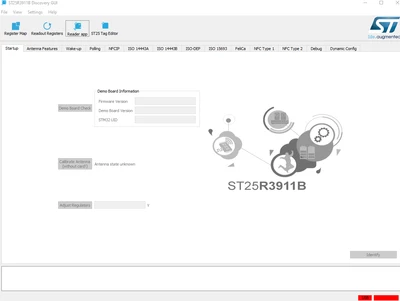
amedman_0-1743435736759.png

When I select Tag Editor in the software this is the message returned
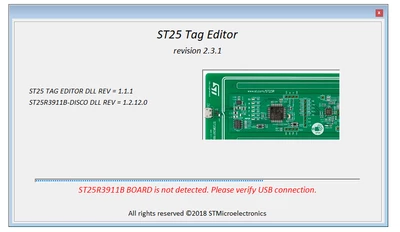
 

amedman_1-1743435816252.png

This is the message received when I try to upgrade the FW
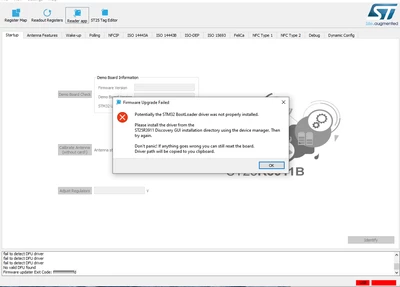
amedman_2-1743435883183.png

It appears that the USB driver for the board is not installed correctly. I also tried this same install on a Win 11 and another Win 10 machine with the exact same results. What am I missing? Do I need to install a USB driver to allow the ST25R3911B Discovery GUI to see the board?

This topic has been closed for replies.
Best answer by amedman

The issue was a bad USB cable. Problem resolved.

2 replies

amedmanAuthorBest answer
Associate
March 31, 2025

The issue was a bad USB cable. Problem resolved.

Brian TIDAL
Technical Moderator
March 31, 2025

Hi,

make sure your USB cable is not broken; also check that the USB connector on the ST25R3911B-DISCO has not been damaged.

Rgds

BT

In order to give better visibility on the answered topics, please click on Accept as Solution on the reply which solved your issue or answered your question.