Associate
September 18, 2025
Solved

Blank screen on the STM32U5G9 board with TouchGFXDesigner

  • September 18, 2025
  • 4 replies
  • 779 views


I am working with the STM32U5G9 board and I have some trouble when displaying applications 


As indicated in the tutorial (link below), I installed the 4 applications. I took the last ones from ST website.

https://www.youtube.com/watch?v=OMeiG9jS-yk&list=PLnMKNibPkDnF9x-s1e-v9Wtvv-fB88VWA&index=1


CubeIDE is already installed since I work with TOF sensors quite regularly

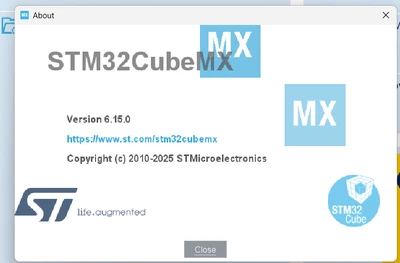
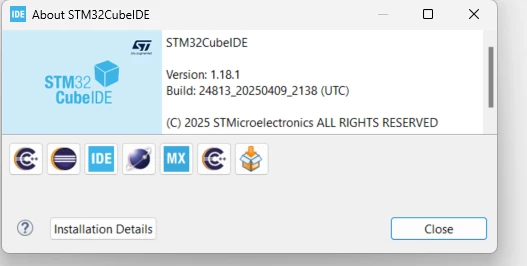
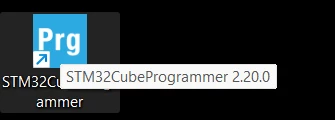
Here are my application versions.

  1. CubeMx Version

PoP_0-1758207445612.png


  1. CubeIDE Version

PoP_1-1758207445614.png


STM32CubeProgrammer

PoP_2-1758207445615.png


TouchGFX (last one)

PoP_3-1758207445615.png


In CubeMx, I add the TouchFX Generator
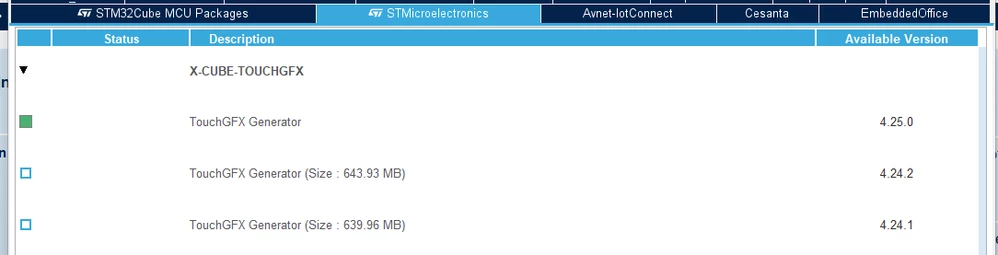
PoP_4-1758207445616.png


After setting CubeMx, I followed the tutorial below

https://www.youtube.com/watch?v=NFljjd_vQGA&list=PLnMKNibPkDnF9x-s1e-v9Wtvv-fB88VWA&index=2

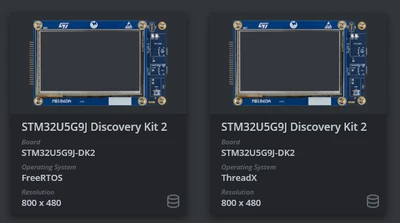
With the configuration
PoP_5-1758207445617.png


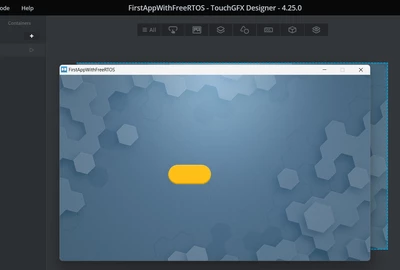
In TouchGFX Designer, I can simulate my application
PoP_6-1758207445647.png


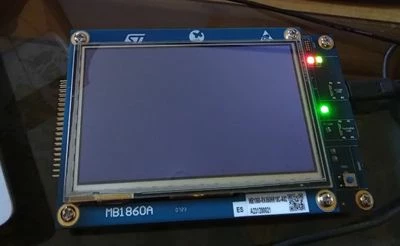
Unfortunately, in the CubeIDE step When I compile the project and upload the compiled application, nothing happens on the display (blank screen).
PoP_7-1758207445654.jpeg

From CubeIDE, I'm able to load the tutorial application and debug it by stepping into the code.Unfortunately, in runtime the display remains black.

This is the same cases for all demo in TouchGFX except only 1 demo (Flash limited E-Bike demo), 

Otherwise, I get a black screen for the other demos.

I don't know where I am wrong


Best answer by PoP

This is confirmed, this is a trouble with the STM32U5G9J-DK2, ES Version.

With the official release version of the STM32U5G9J-DK2, we don't have anymore problem to upload any application.

I did not have the good board version.

4 replies

Osman SOYKURT
Technical Moderator
September 19, 2025

Hello @PoP ,

Are you able to run on target from TouchGFX Designer?
Have you tried to reset your board (clicking the reset button on the hardware directly - or plug/unplug the cable)?

Osman SOYKURTST Software Developer | TouchGFX
PoPAuthor
Associate
September 24, 2025

Thanks for your help but this is not so much easy.

The environment is correctly installed because applications are working well in the Touch Designer environment.

After discussion with a ST Field Engineer, it appears that the trouble is coming from that the board STM32U5G9J-DK2, I have is an ES version.

On this kind of board, the blank screen was reproduced by the ST Field Engineer. I am waiting an official board of the STM32U5G9J-DK2 (not ES version). I'll tell you if it works better and if the problem is fixed


PoPAuthorBest answer
Associate
September 24, 2025

This is confirmed, this is a trouble with the STM32U5G9J-DK2, ES Version.

With the official release version of the STM32U5G9J-DK2, we don't have anymore problem to upload any application.

I did not have the good board version.

Osman SOYKURT
Technical Moderator
September 26, 2025

Great to hear that your issue has been solved with the official board and not the ES version. May I know where did you get it from?
Regards,
Osman 

Osman SOYKURTST Software Developer | TouchGFX
Osman SOYKURT
Technical Moderator
September 29, 2025

Normally our ES have this label printed and sticked on the board itself, like on the shared picture. Have you bought your boards (including the ES boards) from our store or from another supplier?

OsmanSOYKURT_0-1759135176616.png


Osman SOYKURTST Software Developer | TouchGFX
Explorer II
September 30, 2025

Thanks for the prompt reply!

I have purchased the boards from Mouser. According to your feedback, the boards do not belong to the ES category. Let me restart all the tests. I'll come later back to you. Maybe there is another issue I am overseeing.. 

Explorer II
October 3, 2025

Unfortunately I am still facing the same problem on one board. I have started a small TouchGFX application. After downloading the application into the Flash memory, the board has been properly restarted.  Every thing went smooth and no error has been reported. But the display remained blank. 

Osman SOYKURT
Technical Moderator
October 14, 2025

Hello,

I recommend having the "ES" boards you purchased replaced with official boards through your supplier.
Regarding the technical aspect, I am still investigating the issue; however, as an initial step, you might try reducing the external flash speed from 130MHz to 80MHz. This may help resolve the problem, although it will result in a slower flash performance.

Osman SOYKURTST Software Developer | TouchGFX