Solved
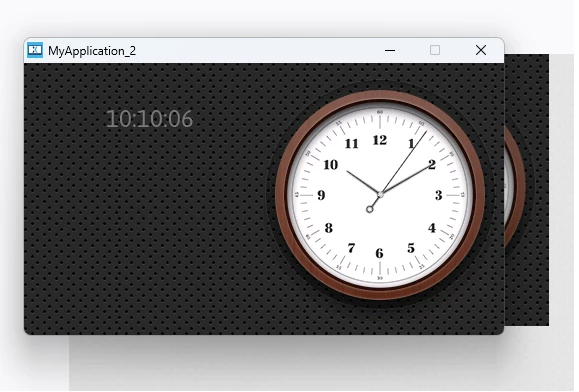
Clock Example wil not update to current time
In the setupscreen function:
Screen1ViewBase::setupScreen();

 digitalHours = digitalClock1.getCurrentHour();
	digitalMinutes = digitalClock1.getCurrentMinute();
	digitalSeconds = digitalClock1.getCurrentSecond();
and in the handletickevent
Screen1View::tickCounter++;

 if (tickCounter % 60 == 0)
 {
 if (++digitalSeconds >= 60)
 {
 digitalSeconds = 0;
 if (++digitalMinutes >= 60)
 {
 digitalMinutes = 0;
 if (++digitalHours >= 24)
 {
 digitalHours = 0;
 }
 }
 }

 // Update the clocks
 digitalClock1.setTime24Hour(digitalHours, digitalMinutes, digitalSeconds);
But as shown below the time is the initial value (current time was 22:47) how can we fix it.