The execution rate of handleTickEvent() is actually determined by how you tick the application. TouchGFX is designed to operate at 60 Hz by default, which is why I assumed 60 Hz in the code snippet.
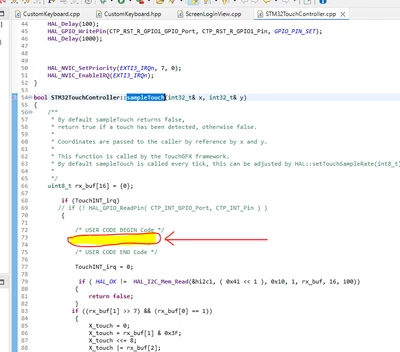
You are correct that the generation of the screen transition code needs to be triggered, e.g. as shown in your screenshot.
You can use getCurrentScreen(), which returns a pointer to the currently displayed screen: https://support.touchgfx.com/docs/api/classes/classtouchgfx_1_1_application#getcurrentscreen.
Another option is to manually save the current screen in the model, e.g. every time a screen constructor is entered.
Best regards,
Johan