Hello @JPabl.1 ,
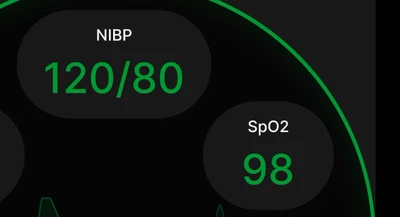
As @Peter BENSCH said, if the boxes won't move, you can simply integrate them directly on the background image (if you use a background image).
Otherwise, there is 2 ways to create these boxes :
- Create an image (on Canva for instance) with transparent background, then import it to you project, add it to an image widget and you are done. This is fast, even when you want to do complex shapes. However, images takes a lot of space so remember to compress the image in TouchGFX Designer.
- Create your box or shape using the shape widgets available in TouchGFX Designer such a circle or rectangle. You can add a rectangle then add 2 semi-circles on the sides to create that shape. This solution is the most optimized but can take a bit of time if you want to do complex shapes (not your case).
I hope this helps! :smiling_face_with_smiling_eyes:
If this comment or another on answers your question, I invite you to select it as "best answer".
Regards,