

Question
Text View: double-click adjusts only one column
Dear Gfx Team,
Could you please consider changing the following behaviour.
When in Text view and double click in any edge, adjust width of all columns - not just the one associated with that edge.
Example:
Intial widths

Double click on the boundry
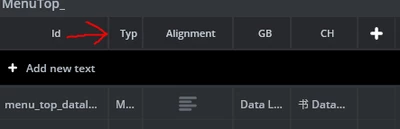
... only the 1st columns adjusted

But, this is what should ideally happen after the double-click:

Thank you
Ferro