Hello @mteaching ,
We found the solution and we will surely add this information into the wiki. Thank you.
Problem explanation:
Usually, this kind of error is related to the version of the modules and happens when there is a mismatch between the version of the kernel and the vermagic field of the module. Which is not the case here, they are identical:
root@stm32mp1:/# modinfo ./lib/modules/5.10.61/extra/galcore.ko

filename: //./lib/modules/5.10.61/extra/galcore.ko

vermagic: 5.10.61 SMP preempt mod_unload modversions ARMv7 p2v8
and the kernel version:
root@stm32mp1:/# uname -a
Linux stm32mp1 5.10.61 #34 SMP PREEMPT Mon Apr 25 05:17:49 EDT 2022 armv7l armv7l armv7l
I have made a test by using the command "modprobe --dump-modversions" to display the module_layout version of two kernel modules built with my developer package:
root@stm32mp1:/# modprobe --dump-modversions /lib/modules/5.10.61/kernel/crypto/ccm.ko | grep "module_layout"

0x99fec9cf module_layout
and
root@stm32mp1:/# modprobe --dump-modversions /lib/modules/5.10.61/kernel/sound/core/snd-hwdep.ko | grep "module_layout"

0x99fec9cf module_layout
We can see that the module_layout are identical.
But if I check the one from the galcore.ko:
root@stm32mp1:/# modprobe --dump-modversions /lib/modules/5.10.61/extra/galcore.ko | grep "module_layout"
0xf0051103 module_layout
The version is different and prevents the load of the module
Context and why:
Galcore is an out of tree module, but it is installed by default in the distribution package, with yocto recipes.
However, galcore is not present in Kernel sources, so with Developer package, the galcore present on the SD card come from the first image that we flashed, and is not re-generated when we compile modules (that creates versions checking issue, because it considers that galcore is not in phase with kernel config and other modules).
Solution:
Find below the method to avoid the galcore module issue in the Developer package context:
First:
You need to get the source of the gcnano driver, this is the one that generate the galcore module.
To do it you can clone the following link somewhere on the working PC:
PC $> git clone https://github.com/STMicroelectronics/gcnano-binaries.git

PC $> cd gcnano-binaries
Now extract gcnano-driver-6.4.3.tar.xz
PC $> cd gcnano-driver-6.4.3
You should observe all the sources to compile the driver.
We will call this folder ${GALCORE_DIR}.
-------------------
Second:
Go to the Linux kernel source folder, in the folder where you built the kernel config and other modules (2 possibilities, you did it in the same folder as sources, not so clean, or you did it in a specific "build" folder, which is better).
Make sure that the kernel modules have been compiled one first time before doing next step.
-------------------
Third:
In this folder, we will compile the gcnano sources with the following commands:
Compilation of module:
PC $> make -C ${PWD} AQROOT=${GALCORE_DIR} M=${GALCORE_DIR} modules
Installation of module:
PC $> make -C ${PWD} AQROOT=${GALCORE_DIR} M=${GALCORE_DIR} INSTALL_MOD_PATH=$PWD/install_artifact modules_install
At the end of this step, you should see that the galcore.ko has been installed properly.
-------------------
You can now copy the modules on the SD card and not see the galcore error anymore.
Thank you for your help to identify this error :).
Hope it helps,
Regards,
Kevin


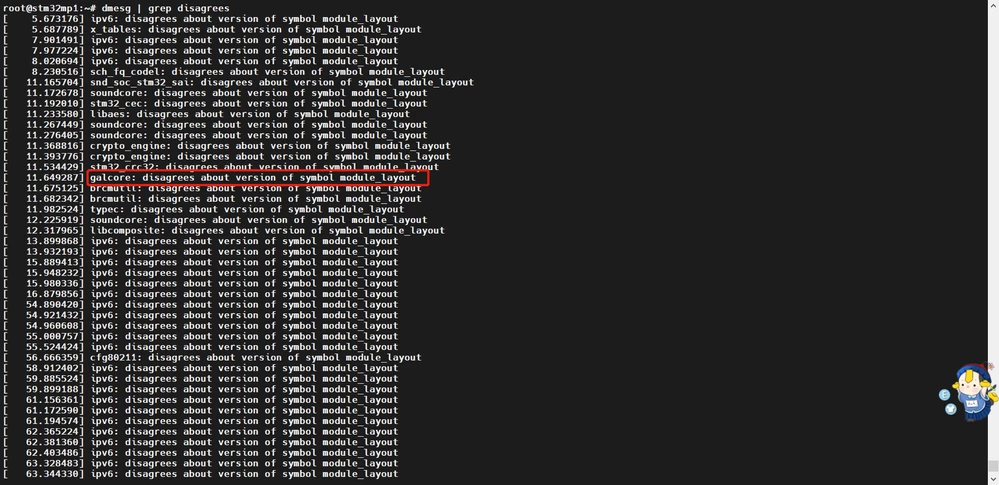 So I have to compile the modules and use "scp -r install_artifact/lib/modules/* root@192.168.7.1:/lib/modules" to replace the original.There're still some problems.
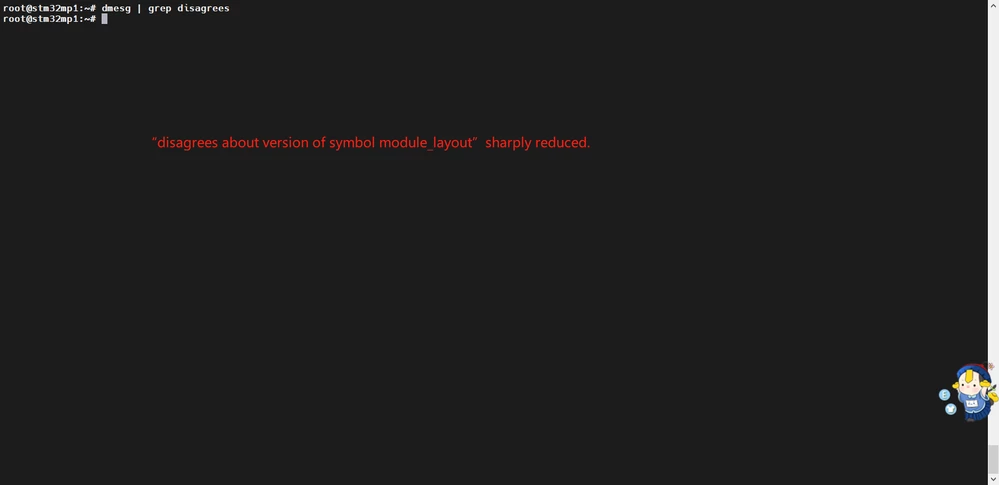 Only the following problems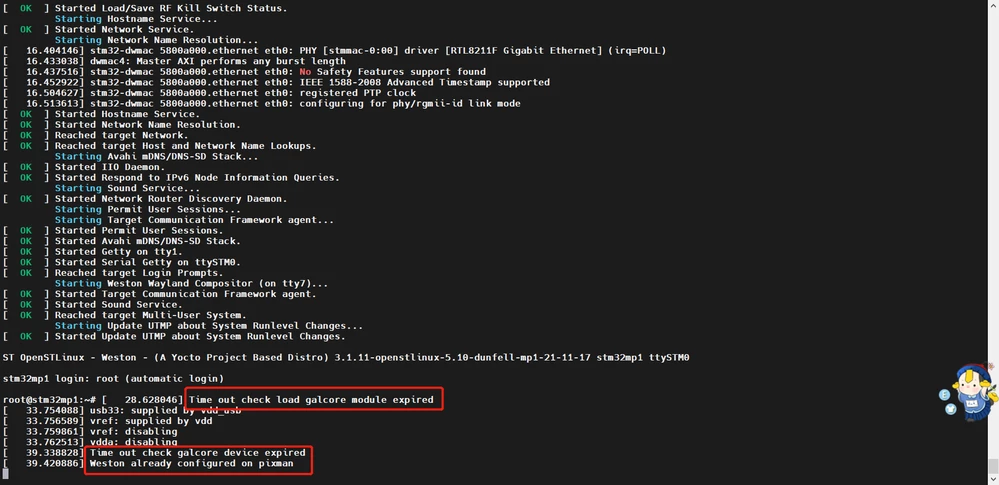
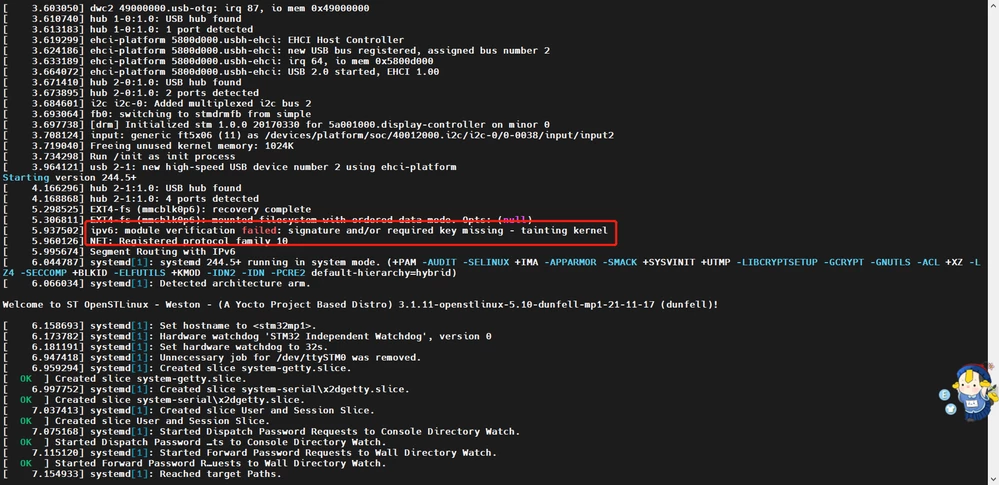 What's the galcore and how to solve it?