
STM32MP135F-DK image saving with GC2145 camera
Hello all,
I'm working with STM32MP135F-DK board and GC2145 camera that comes with it. My main purpose is to get the image and save it. I tried to use the following documents for this:
https://wiki.st.com/stm32mpu/wiki/STM32MP13_V4L2_camera_overview#Grab_a_raw_frame
I didn't know how to do the "3.1-kernel configuration" step in the first link. So I followed the links below:
https://wiki.st.com/stm32mpu/wiki/Menuconfig_or_how_to_configure_kernel
After this link, I went to the following link:
https://wiki.st.com/stm32mpu/wiki/STM32MP1_Distribution_Package
After installing some packages here, I went back to the "menuconfig-how to configure kernel" link, and here I got stuck on the following step:
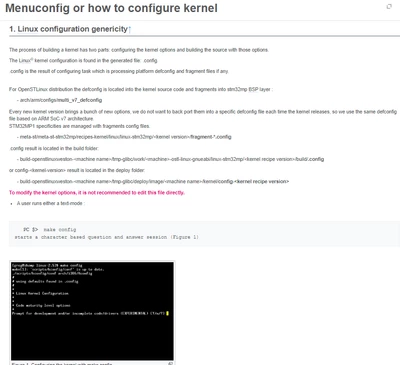
I have the specified files but I don't know in which directory I should run the make config or make menuconfig commands.
To be honest, I am new to embedded Linux and my main goal is to take images with the camera and save this image. However, while trying to do this, I got lost in the documents. Can you help with a road map and what I should do?