
Associate
October 14, 2025
Question

Cube MX won't render in Ubuntu

  • October 14, 2025
  • 1 reply
  • 338 views

As of yesterday, since an update hit, my CubeMX view won't render (literally it is just a white background). Tried reinstalling and it renders, until I sign up and it updates again, then it stops rendering again. The rest of the IDE works just fine. 

System:

Ubuntu 24.04.3 LTS (Linux 6.14.0-33-generic)

Dell Inspiron computer

8,0 GiB Memory

Wayland windows system

Gnome 46

CubeIDE 1.19.0
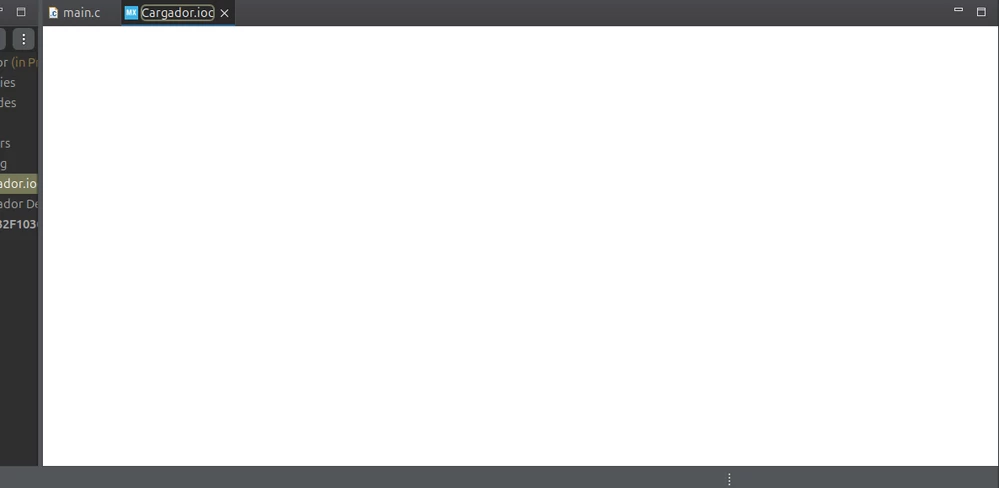
Captura desde 2025-10-14 11-08-22.png

1 reply

Ghofrane GSOURI
Technical Moderator
October 14, 2025

Hello @bussy_user 

Let's try using a Fresh Workspace by following those steps :

- Start STM32CubeIDE.
- When prompted, select a new, empty workspace directory.
- Import your existing projects into the new workspace
If the Issue Persists: Clear the .metadata Folder

- Close STM32CubeIDE.
- Navigate to your current workspace directory.
- Delete the .metadata folder 
- Restart STM32CubeIDE.
- Re-import your projects into the workspace.

I will be waiting for your feedback.

THX
Ghofrane


To give better visibility on the answered topics, please click on Accept as Solution on the reply which solved your issue or answered your question.
Associate
October 14, 2025

Done in order:

Captura desde 2025-10-14 12-01-31.png

Captura desde 2025-10-14 12-03-58.png

Captura desde 2025-10-14 12-05-34.pngCaptura desde 2025-10-14 12-05-48.png

bussy_user_0-1760454566521.png

It didn't work. Even with new projects it doesn't work.

Ghofrane GSOURI
Technical Moderator
October 14, 2025

Hello @bussy_user 

As a workaround, please try using the standalone STM32CubeMX , you can download it from the following LINK

I am currently investigating this behavior internally and will update you as soon as I have more information.

THX

Ghofrane

To give better visibility on the answered topics, please click on Accept as Solution on the reply which solved your issue or answered your question.