

efebasol
Visitor II
March 20, 2023
Question

I can't install STM32CubeMX on Mac with M2 core
  • March 20, 2023
  • 3 replies
  • 2685 views

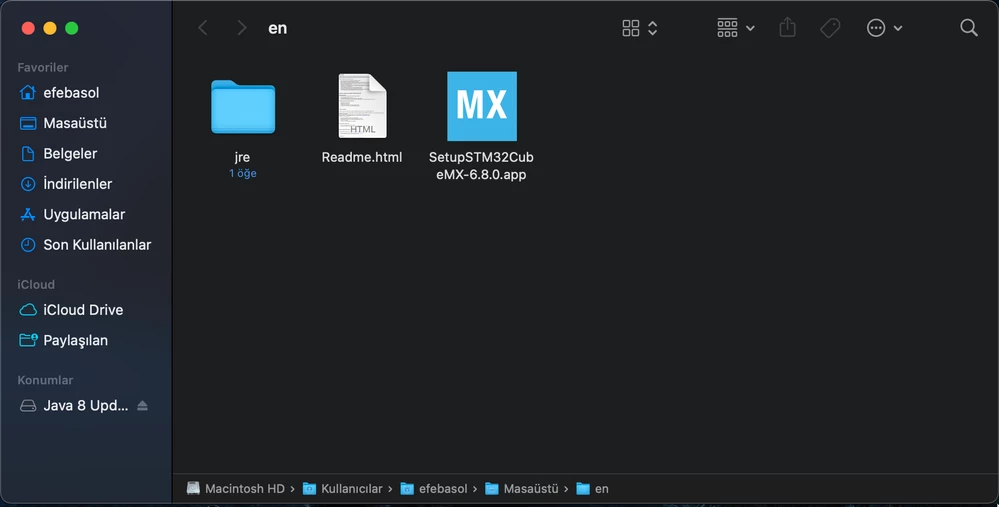
0693W00000aJLmcQAG.pngWhen I try to install the application, it opens and closes and does not give any errors. I read the readme.html file but the ones there did not work. Can you give some information about how I should install it?

This topic has been closed for replies.

3 replies

RBamf.1
Associate III
March 22, 2023

Hi, try to launch the app using the command line, perhaps by running "./SetupSTM32CubeMX-6.8.0.app" in that directory? It might provide some debugging information.

Associate
February 9, 2024

By running from the command line, you are not getting the option to override the "unsigned software" error dialog

Associate
February 9, 2024

You need to

a) Install Java. There was a "java" already on the system, but the installer complains that it doesn't find a JRE. I took Java 8 JRE.
b) Try to start the STM installer twice. The second time, it will allow you to override. Still, nothing will happen.

c) Now, under System settings / Gatekeeper, there should be "java" mentioned as having been blocked (because it came from the Internets too). Allow it.

d) Now, when you try to start the installer a third time, it should work.