Associate
March 8, 2026
Solved

Setup UART on NUCLEO-H7S3L8 Board

  • March 8, 2026
  • 3 replies
  • 202 views

Hello everyone,

im trying to send a simple "Hello World" via UART to my Laptop and read in the PuTTY Terminal on my on NUCLEO-H7S3L8 Board, But i tried everything, i cant revieve anything!!! Tried every UART/USART Port in the CubeMX. Nothing on my other NUCLEO-F303RE worked it instantly. 

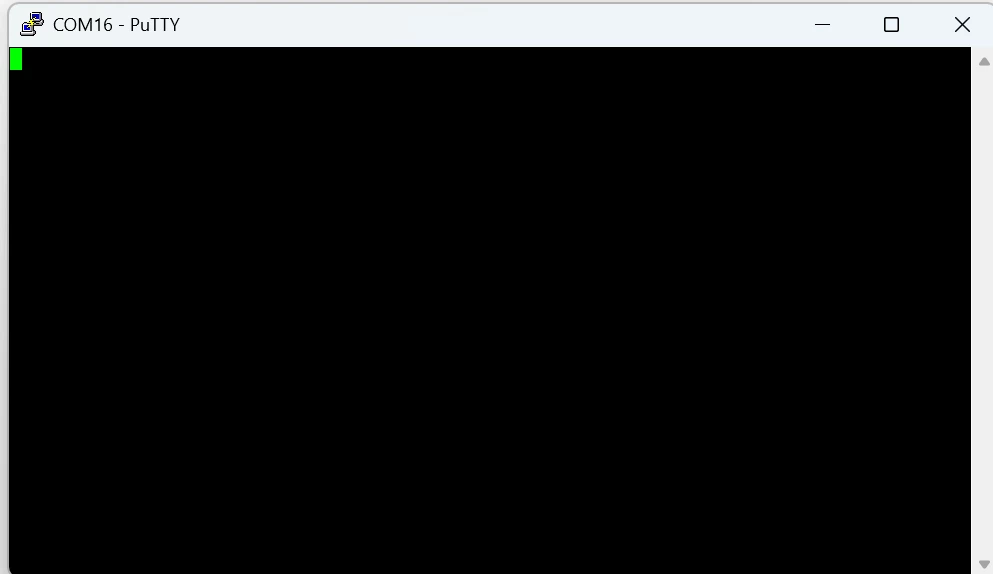
These are settings in the CubeMX. i Used USART3 and selected Pins PD8 and PD9. i connected the Board to my Laptop. Set the Baud Rate to 115200 and also looked up the correct COM Port. Here is the test code and see Screenshots below. 

Maybe something in the CubeProgrammer???


UART_HandleTypeDef huart3;


/* USER CODE BEGIN PV */

uint8_t tx_buffer[] = "Hello World!\r\n";


...


while (1)

{

/* USER CODE END WHILE */

HAL_UART_Transmit(&huart3, tx_buffer, sizeof(tx_buffer), 100);

HAL_Delay(100);


/* USER CODE BEGIN 3 */

}

/* USER CODE END 3 */

}
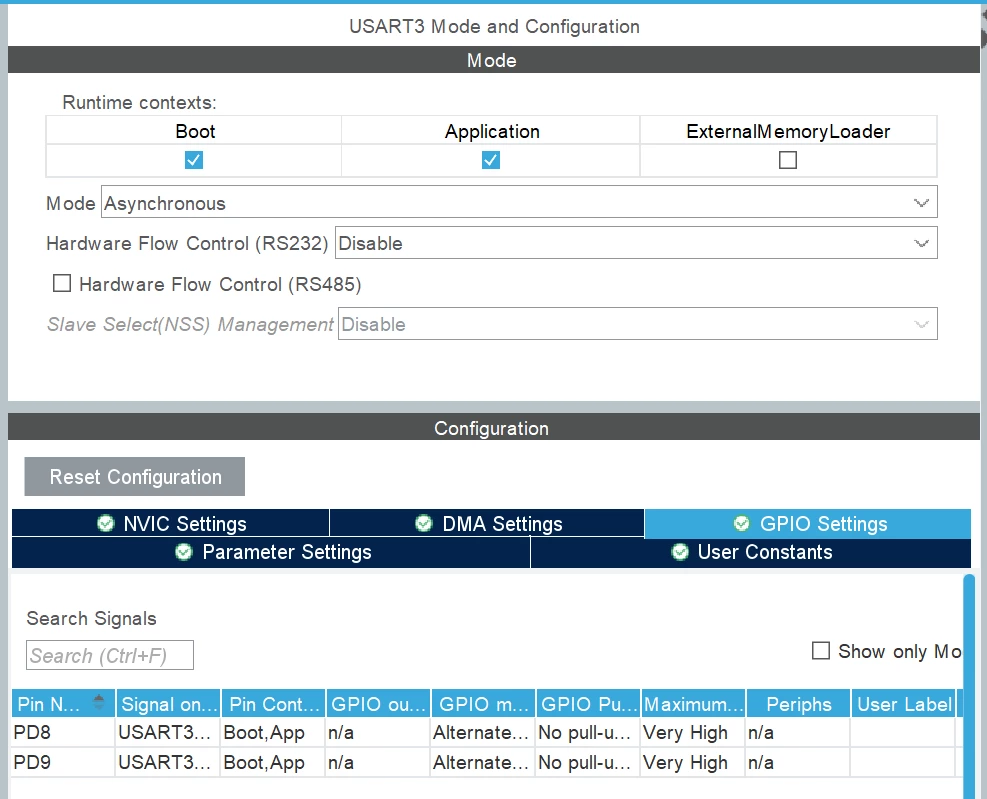
Screenshot 2026-03-08 141339.pngScreenshot 2026-03-08 141508.png

Best answer by tobydgr

I got it now, in CubeMX Under System Core you have to check under "Sys" the Boot AND the Application Box. Now it works. 

3 replies

Associate II
March 8, 2026

Hi,

on this board USART3 is by default routed via the ST-Link to a virtual com port (VCP) and should appear as COM port when you connect the board with the PC. Are you aware of this, or do you try to use another way like serial TTL converter... ?

Does the COM port appear?

And how do you try to send the string?


tobydgrAuthor
Associate
March 8, 2026

Yes it shows up in the device manager

Screenshot 2026-03-08 153557.png

and i send it here:

uint8_t tx_buffer[] = "Hello World!\r\n";

with HAL_UART_Transmit(&huart3, tx_buffer, sizeof(tx_buffer), 100);


TDK
Super User
March 8, 2026

PD8/PD9 are the correct pins. Code looks okay.

If you debug the program, does HAL_UART_Transmit get executed? Does it return HAL_OK?

Possibly there is a clock mismatch. Try toggling an LED at 1 Hz to see if the clock is set correctly.

"If you feel a post has answered your question, please click ""Accept as Solution""."
tobydgrAuthor
Associate
March 8, 2026

Thanks i checked under Sys it works now

tobydgrAuthorBest answer
Associate
March 8, 2026

I got it now, in CubeMX Under System Core you have to check under "Sys" the Boot AND the Application Box. Now it works.