STM32 ST-Link V2 Not Detected by STM32CubeProgrammer– Connection Issue
Hi everyone,
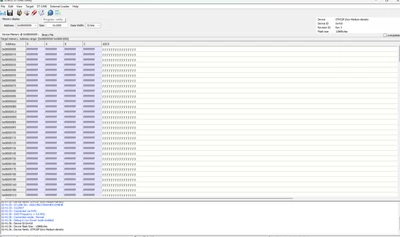
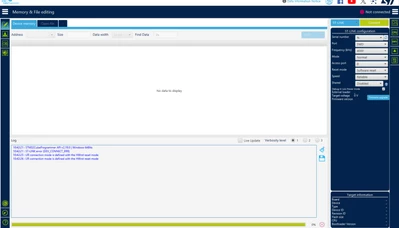
I'm having trouble with my ST-Link V2 programmer and STM32Cube tools. When I try to update the firmware via STM32CubeProgrammer (or STM32CubeUtility), I get the following error:
"STLink is not in DFU mode. Please restart it."
Additionally, when I try to upload code through STM32CubeIDE, it fails to connect. CubeProgrammer also gives me this error when I attempt to connect:
"Your connection is defined with the HWrst mode."
Here’s what I’ve tried so far:
Verified all SWD connections: SWDIO, SWCLK, GND, 3.3V
Tried different USB cables and USB ports
Tried connecting with both STM32CubeIDE and CubeProgrammer
Checked Device Manager: ST-Link shows up as USB device, but firmware update still fails
Tried to manually enter DFU mode, but unsure how with this ST-Link V2 device (it's possibly a clone)
System Info:
OS: Win11 Pro
STM32 Model: STM32F103C8T6
ST-Link version: V2
I'd appreciate any suggestions on how to:
Successfully update the ST-Link firmware
Bypass or resolve the DFU mode issue
Upload code again through STM32CubeIDE
Thanks in advance!