STM32CubeIDE: Creating a project from example for NUCLEO-H745ZI-Q?
Hi all,
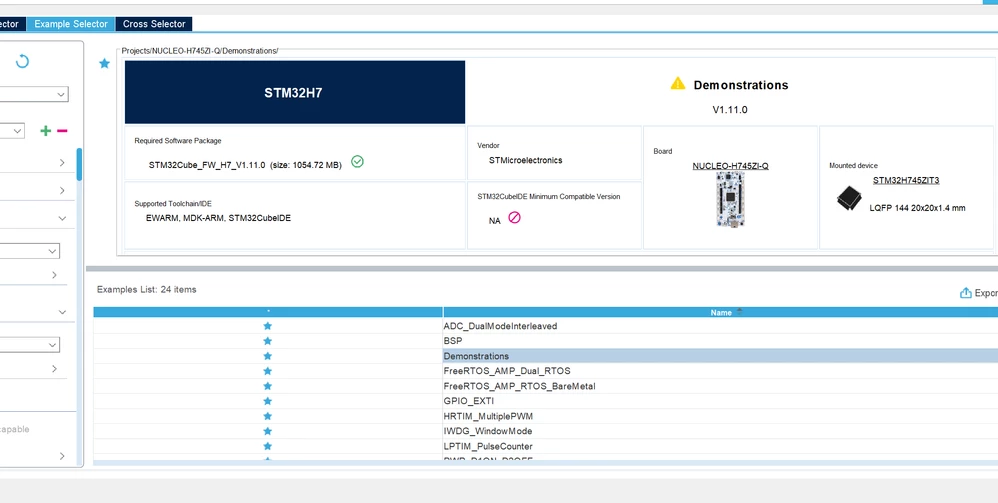
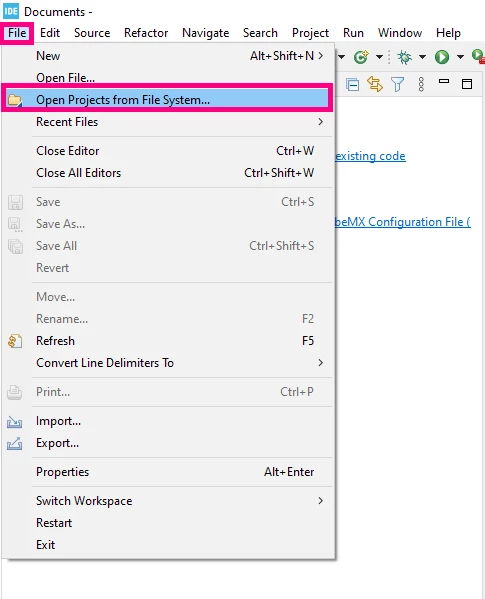
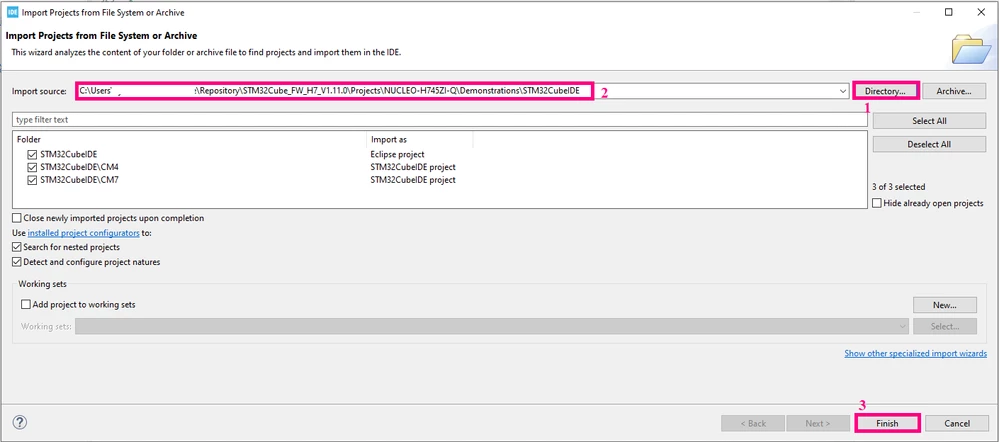
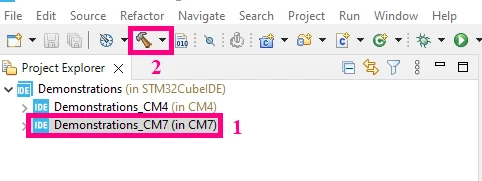
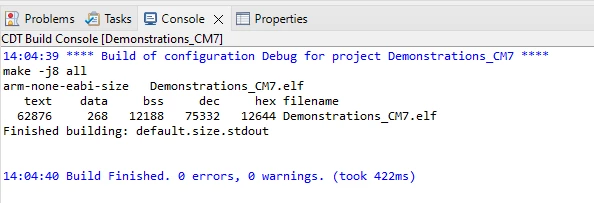
I'm trying to use STM32CubeIDE to create a project for this board from the list of "Examples Selector". I picked "Demonstrations" as seen in the picture. I don't see a ".ioc" file and when I try to build I get these errors:
Description Resource Path Location Type
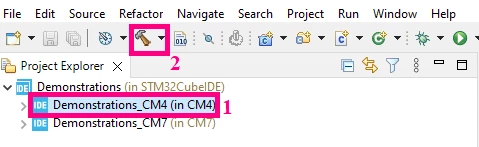
make: *** No rule to make target 'C:/Users/myUserName/STM32W/Demonstrations/STM32CubeIDE/Utilities/lcd/stm32_lcd.c', needed by 'Utilities/stm32_lcd.o'. Stop. Demonstrations_CM4 C/C++ Problem
make: *** No rule to make target 'C:/Users/myUserName/STM32W/Demonstrations/STM32CubeIDE/Utilities/lcd/stm32_lcd.c', needed by 'Utilities/stm32_lcd.o'. Stop. Demonstrations_CM7 C/C++ Problem
I tried 3 different projects and all 3 don't have the ".ioc" file. That's the file that shows the visual configurator pinout among other things. In a effort to find out more I picked a different board (NUCLEO-L476RG, example "GPO"). This time I get an ".ioc" file and the project builds without errors.
I'm new to STM32 and the whole ecosystem. The NUCLEO-H745ZI-Q is dual core, the NUCLEO-L476RG is single core. How do I get the dual core project to show the ".ioc" file ... and build without errors?
Thanks