

Question
"Can't find a source file at " error while debugging with STMcubeIDE
I'm using STMcubeIDE for my projects. Recently I reset my PC, so I took a backup of my projects and reinstalled the CubeIDE. Now when I try to flash and debug my projects, I get the "Can't find a source file at " error.
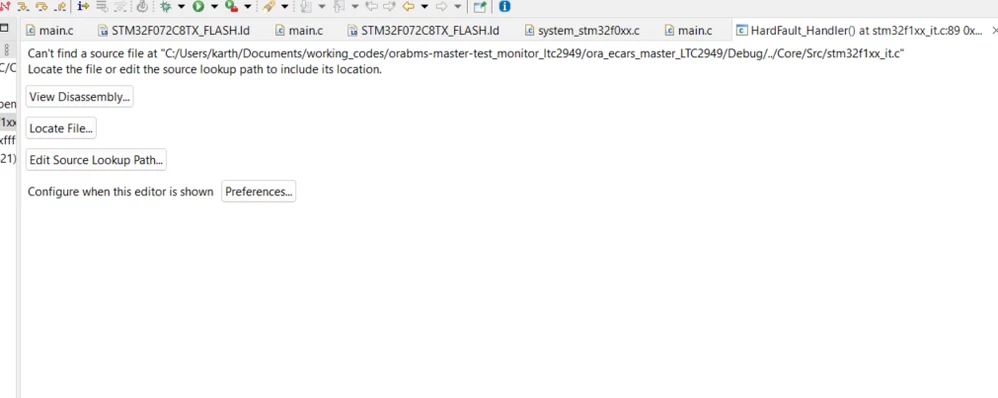 I noticed the path the error was showing was the path on my previous PC. After resetting, the path changed. So, I created a new project file in a different workspace, but still, I get the same error with the new path.
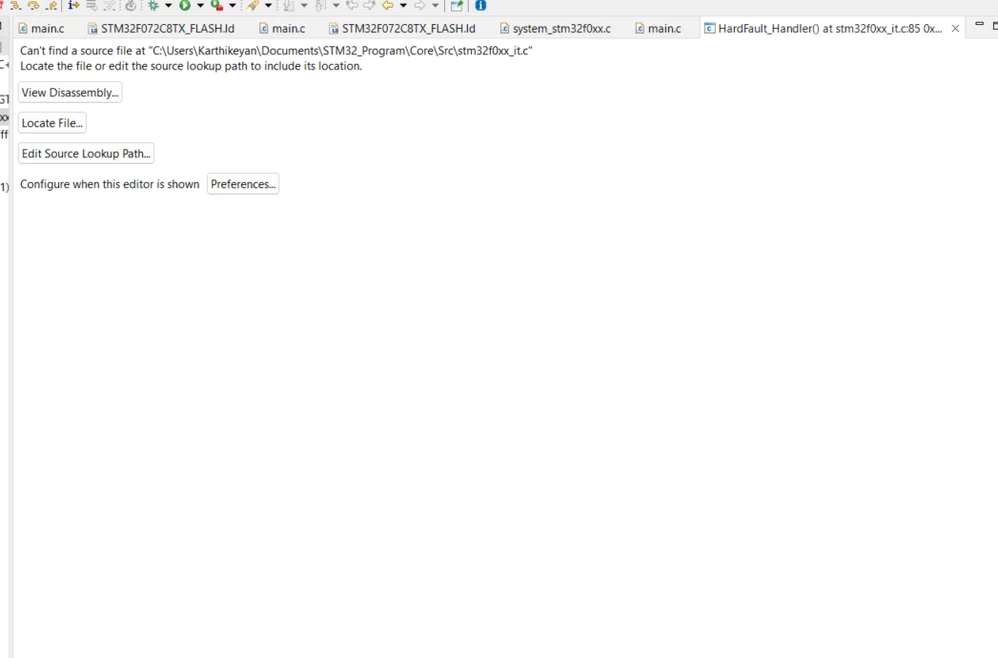
Please help me to fix this error. It looks like the program is flashed correctly. But I can not start a debug session.