Solved
How to show all files in CubeIDE project? - Search does not work in CubeIDE - BUG
Hello,
I downloaded an example "Nx_SNTP_Client", and all the include files are hidden in the file tree (left pane)
1- Where is the setting to show these files? (Why is this even an option)?
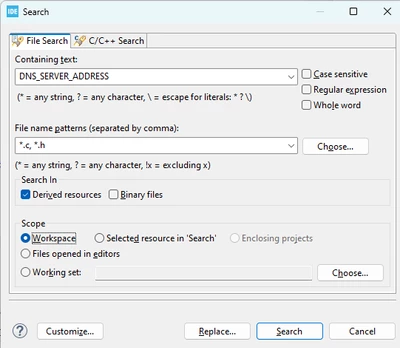
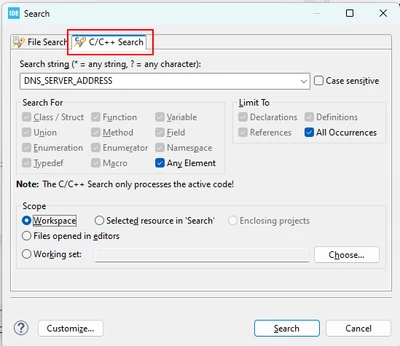
2- Why does the Search/Find not work with these hidden files?
I looked at: https://community.st.com/t5/stm32cubeide-mcus/cubeide-imported-example-file-structure-does-not-show-header/m-p/75355#M1515 with a similar question, and i see the "outline" tab, but how does that fix the search problem? What am I missing?
thanks
Matthew