
Please login to download a software package - connection to myST
I've already seen 2 posts on this issue:
Before redirecting me to any of those, I'll mention I get the same error but the answers, including the accepted one, don't solve my issue.
I went to STM's site and downloaded the latest version of STM32CubeIDE. It says workspace_1.17.0.
When I create the project, the following error shows up when it fails to generate code:
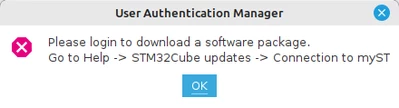
So I do exactly this:
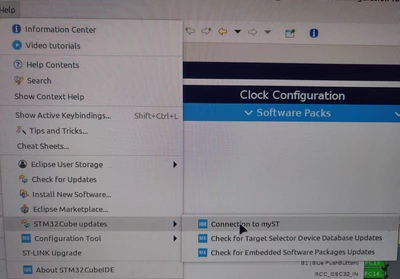
I enter my existing account info:
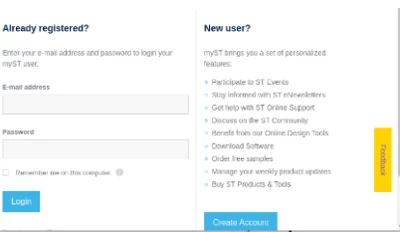
And nothing happens. The first time I did that it seemed like stuff are moving at the bottom right part of the screen, but It finished and still nothing.
After configuring the board, when I click "Device Configuration Tool Code Generation" it will momentarily bring up a window and close it immediately. Bottom line I can't generate code for my project.
Unlike what's written in the accepted answer in one of the posts linked above, there is NO "myST" tab in my IDE. When I try to connect again, it doesn't show that I'm logged in, but if I enter my account info for the second time anyway, it will show the following error window
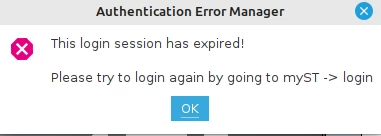
Help --> Check for updates does nothing - i see no response to clicking it. When I tried to close the environment I saw a window specifying "No updates found".
I tried restarting the environment, all stays the same.
This is all very buggy. help please