

Solved
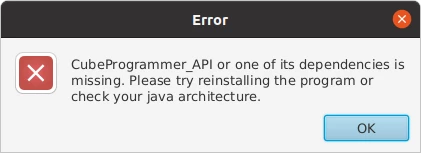
cannot launch STM32CubeProgrammer
Hi,
I just bought the STM32MP157F-EV1 and was trying to get it started.
I tried to followed the manual written in the website and I thought I have completed step 4 and step 5 in the manual.
However, when I tried to populate the SDCard, I realize that I forgot to install Java before installing the STM32CubeProgrammer.
 So, I tried executing the commands in the manual.
However, the result is as follows:
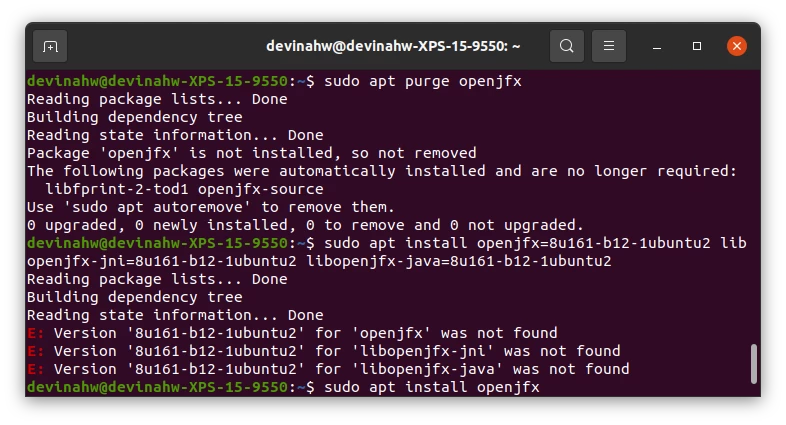 I am using Ubuntu 20.04 and I have read that a lot of people are having the same problem as I am.
I tried these steps that I found on stackoverflow
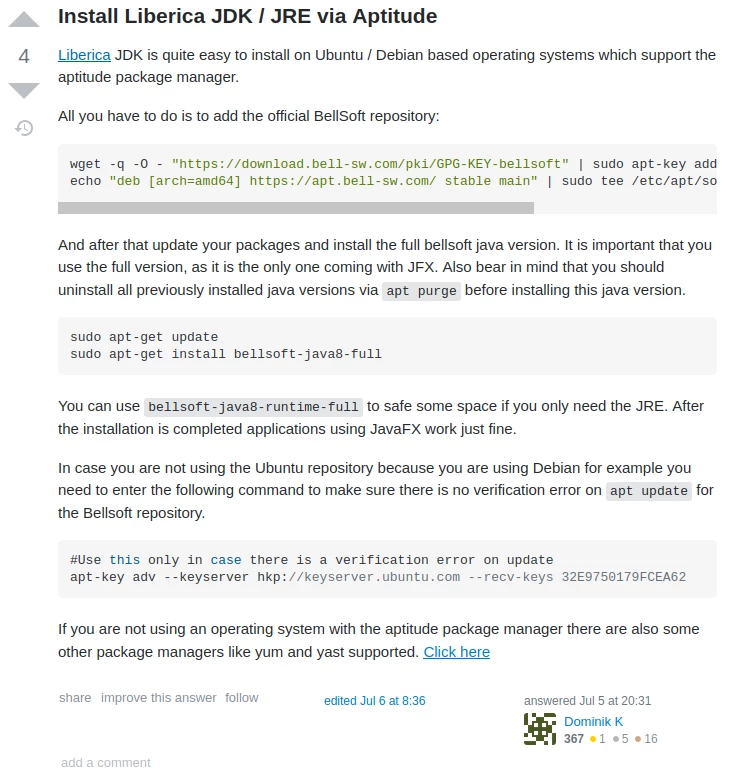 However when I try to reinstall the program and run it, it still shows the same message.
Does anyone know how to solve this problem?