1991red1991
Associate III
December 17, 2021
Question

stm32cubeprogrammer no st-link detected amd win7

  • December 17, 2021
  • 3 replies
  • 2807 views

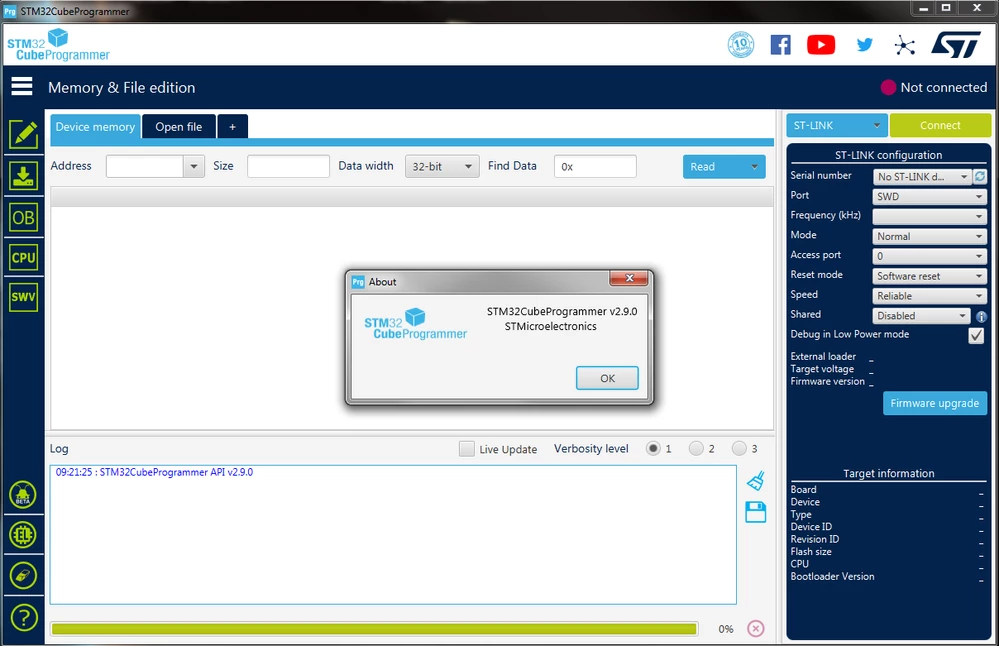
The ST-LINK / V2 programmer is not detected on my PCs.

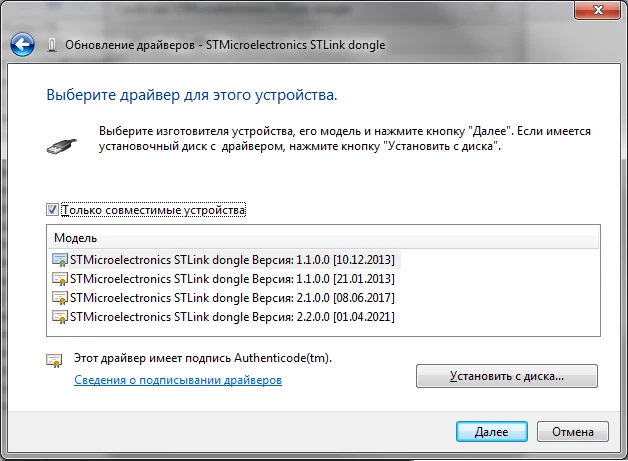
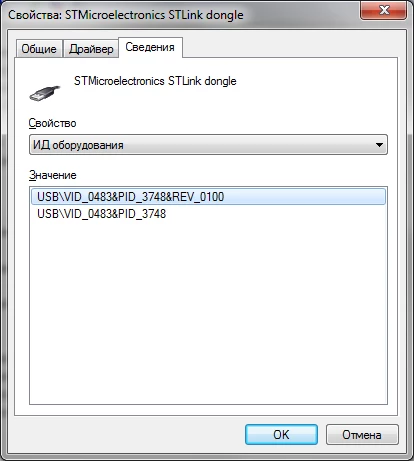
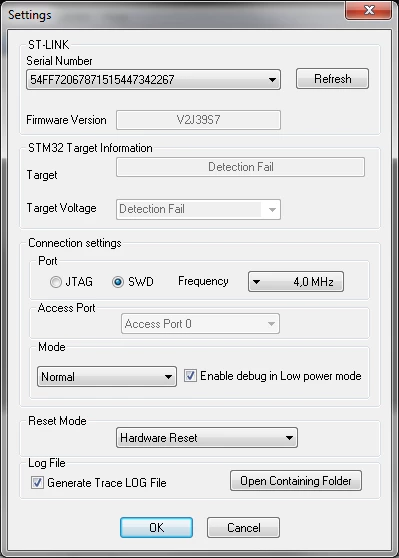
Before that, when I had a win7 x64 PC with a core i5 processor - STM32CubeProgrammer worked. I currently have a Ryzen 3600 win7 x64. I have installed the latest STM32CubeProgrammer 2.9.0 and am getting "no st-link detected" error. Moreover, through the STM32 ST-LINK Utility, the programmer is detected and works. Everything works through STM32CubeIDE too. I tried all possible driver versions, still no st-link detected. I tried different versions of STM32CubeProgrammer both x64 and x86, still no st-link detected. I tried various USB ports, both USB 2.0 and USB 3.0, tried different ST-LINK / V2 programmers (I have several of them), I even tried on another PC with the same configuration (Ryzen 3600 win7 x64), I still get an error no st-link detected.

Why is that? What else do I need to do to make STM32CubeProgrammer work on my PC?0693W00000HowfAQAR.png0693W00000Howf5QAB.png0693W00000Howf0QAB.png0693W00000HowevQAB.png
This topic has been closed for replies.

3 replies

Tesla DeLorean
Guru
December 17, 2021

Don't know, have ST-LINK/V2 running on Win7 x64 AMD boxes here..

Is this an authentic ST-LINK/V2 ?

Tried a different cable?

Any settings,policies, or AV blocking attachment of USB MSC devices?

Do older ST-Link Utilities work? Perhaps Java/JRE issues?

Tips, Buy me a coffee, or three.. PayPal VenmoUp vote any posts that you find helpful, it shows what's working..
1991red1991
Associate III
December 17, 2021

Yes, I am using original ST-LINK / V2 programmers.

Yes, I've tried several other USB cables. I tried to connect this programmer with a cable to another PC (win 10) and there stm32cubeprogrammer saw this programmer and worked fine.

As I wrote, this programmer came out works great with ST-LINK Utility and STM32CubeIDE. Only stm32cubeprogrammer does not work.

Tesla DeLorean
Guru
December 17, 2021

If the Command Line version works, then the GUI one probably has an issue with the JRE on the system

Tips, Buy me a coffee, or three.. PayPal VenmoUp vote any posts that you find helpful, it shows what's working..
1991red1991
Associate III
December 18, 2021

Other applications using java are working. How can I check that the case is in java? Now I installed STM32CubeProgrammer on my win10 laptop and amd processor and it worked the first time. And on this laptop there is no java at all.

Piranha
Principal III
December 17, 2021

ST's tools don't support nonASCII characters in file/folder paths. Check for that. Probably a windows user name...

1991red1991
Associate III
December 18, 2021

stm32cubeprogrammer is located along the path ""C:\Program Files\STMicroelectronics\STM32Cube\STM32CubeProgrammer\bin\STM32CubeProgrammer.exe"". And my username was “red�?, there were Russian characters in the computer name, I renamed it, but still “no st-link detected�?.

Piranha
Principal III
December 20, 2021

Just in case... When a user is renamed, Windows doesn't rename the user's home folder under C:\Users. That folder can only be renamed manually simultaneously with a modification of the respective registry entry.

> And on this laptop there is no java at all.

Later versions of Cube tools are bundled with their own JRE.

Maybe try cleaning non-present devices with "Device Cleanup Tool" from this site:

https://www.uwe-sieber.de/misc_tools_e.html